The world of web development is on the brink of a seismic shift. For decades, creating a website, even a simple landing page, involved a complex dance between design mockups, front-end code, back-end logic, and endless iterations. But what if you could bypass all of that? What if you could describe the website you want in a single sentence and watch it materialize, complete with animations, interactive elements, and clean code, in under a minute? This isn't science fiction; it's the reality of "one-shot web design," a revolutionary approach powered by Google's latest Gemini models, like Gemini 1.5 Pro.
Recently, developers and creators have been using Google's AI Studio to go from a simple idea to a fully functional application with a single prompt. They call this process vibe coding-capturing a creative impulse and letting the AI handle the technical execution. This isn't just about generating static layouts; it's about creating rich, interactive experiences that once required specialized skills and weeks of work. From 3D games to dynamic data visualizations, the barrier between idea and product is dissolving, and it all starts with one shot.
What Exactly is "One-Shot" Web Design?
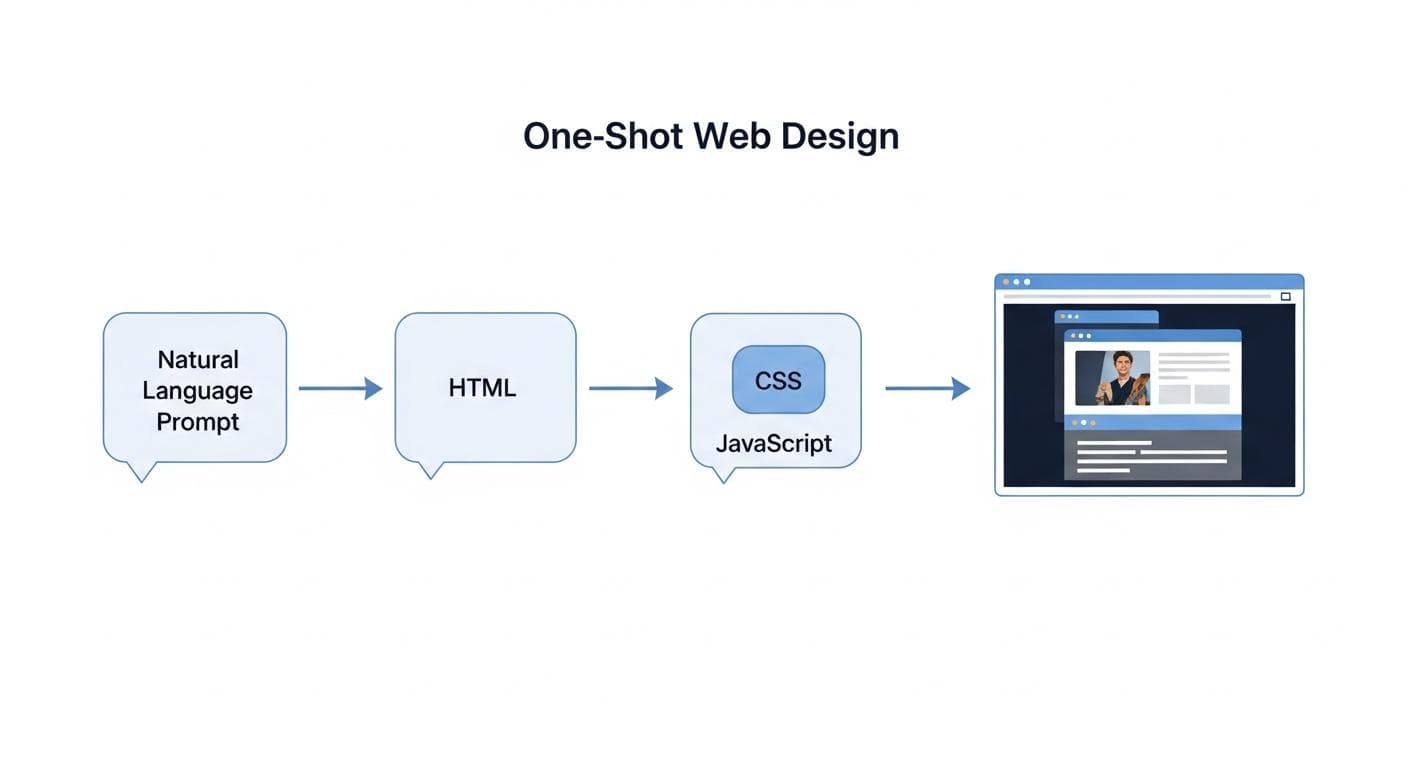
One-shot web design is a paradigm where a large language model, like Gemini 1.5 Pro, generates a complete, multi-file web application (HTML, CSS, JavaScript) from a single, comprehensive natural language prompt. It’s a holistic approach that goes far beyond simple page builders or code snippet generators.
Beyond Mockups: Generating Code, Design, and Motion in a Single Step
Think of it as the ultimate creative partner. A traditional workflow looks something like this:
- Idea: You envision a landing page for your new app.
- Design: A designer creates a static visual mockup in Figma or Sketch.
- Development: A developer painstakingly translates that design into HTML for structure, CSS for styling, and JavaScript for interactivity.
- Iteration: You go back and forth, tweaking animations, fixing bugs, and adjusting layouts.
One-shot design collapses this entire process into a single, conversational step. The AI doesn't just understand the what (a hero section, three feature boxes) - it understands the vibe (minimalist, futuristic, playful). It interprets your request for "nice animations" and implements subtle fade-ins on scroll. It hears "interactive background" and generates a mesmerizing, morphing shader. It's the difference between hiring a team and having a telepathic co-founder who can also code.
A Masterclass in Prompting: Your First Landing Page in 60 Seconds
The magic of one-shot web design lies in the prompt. While Gemini 1.5 Pro is remarkably intuitive, a well-crafted prompt can be the difference between a generic template and a stunning, unique creation. The goal is to be descriptive but not overly prescriptive, giving the AI both direction and creative freedom.
Step 1: The Anatomy of a Perfect Web Design Prompt
A great prompt provides a clear vision. Think of it like a creative brief for the AI. It should include four key elements:
- The Goal: What are you building? Be specific. Instead of "a website," say "a sleek landing page for a SaaS product called 'SynthWave AI'."
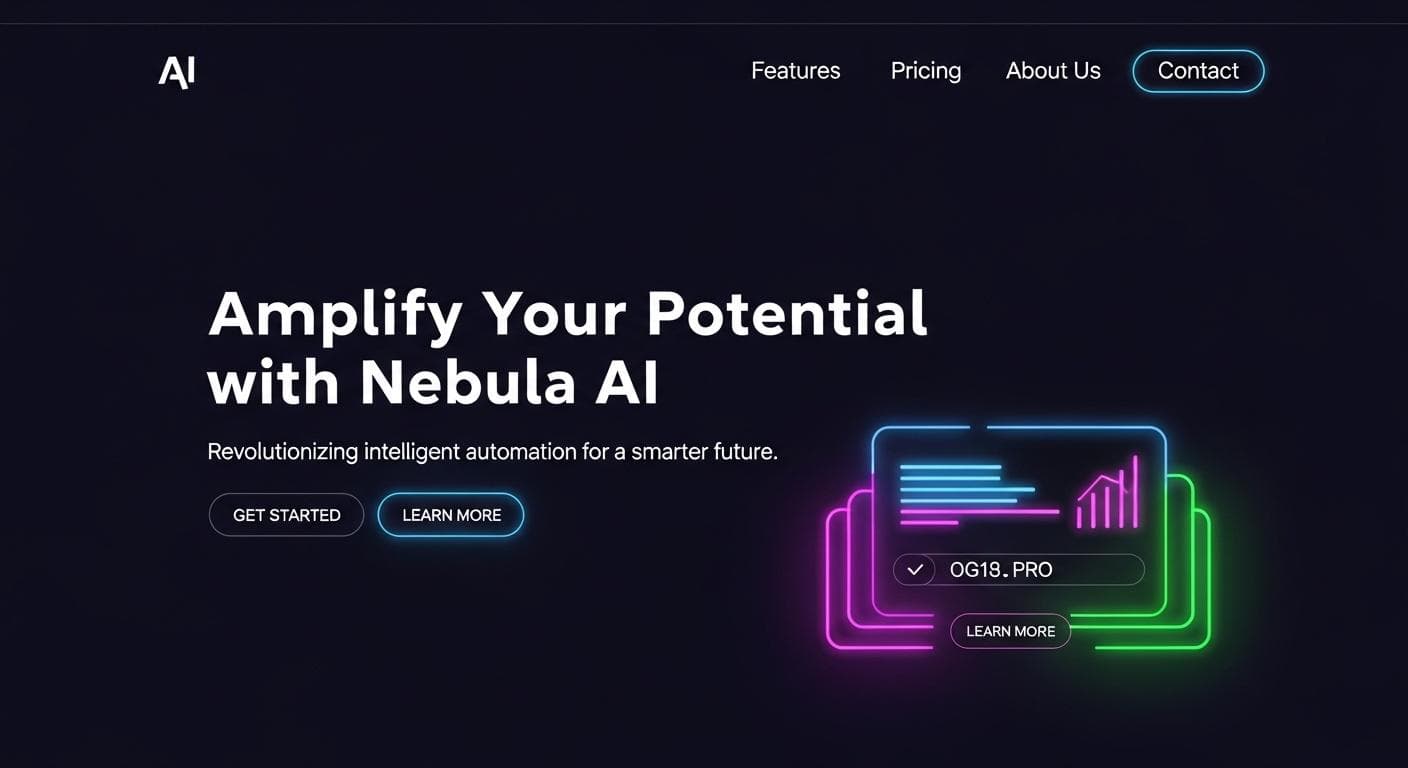
- The Aesthetic: What is the look and feel? Use descriptive adjectives. "Create a design with a dark mode aesthetic, neon accents, and clean typography."
- The Components: What sections should the page have? List them out. "It needs a hero section with a call-to-action button, a three-column feature list, a pricing table, and a simple footer."
- The Interactivity: What should it *do*? This is where the magic happens. "Add subtle scroll animations to the feature list. The hero section should have an interactive background using a morphing shader."
Step 2: Generating and "Vibe Coding" in AI Studio
Once you have your prompt, you simply enter it into Google's AI Studio. The model first creates a plan, breaking down your request into individual files (index.html, style.css, script.js). Then, it writes the code for each file and assembles the application. The entire process is transparent, allowing you to see the code being generated in real-time. This iterative process of refining your prompt to match your vision is the essence of vibe coding.
Step 3: Reviewing and Remixing Your Creation
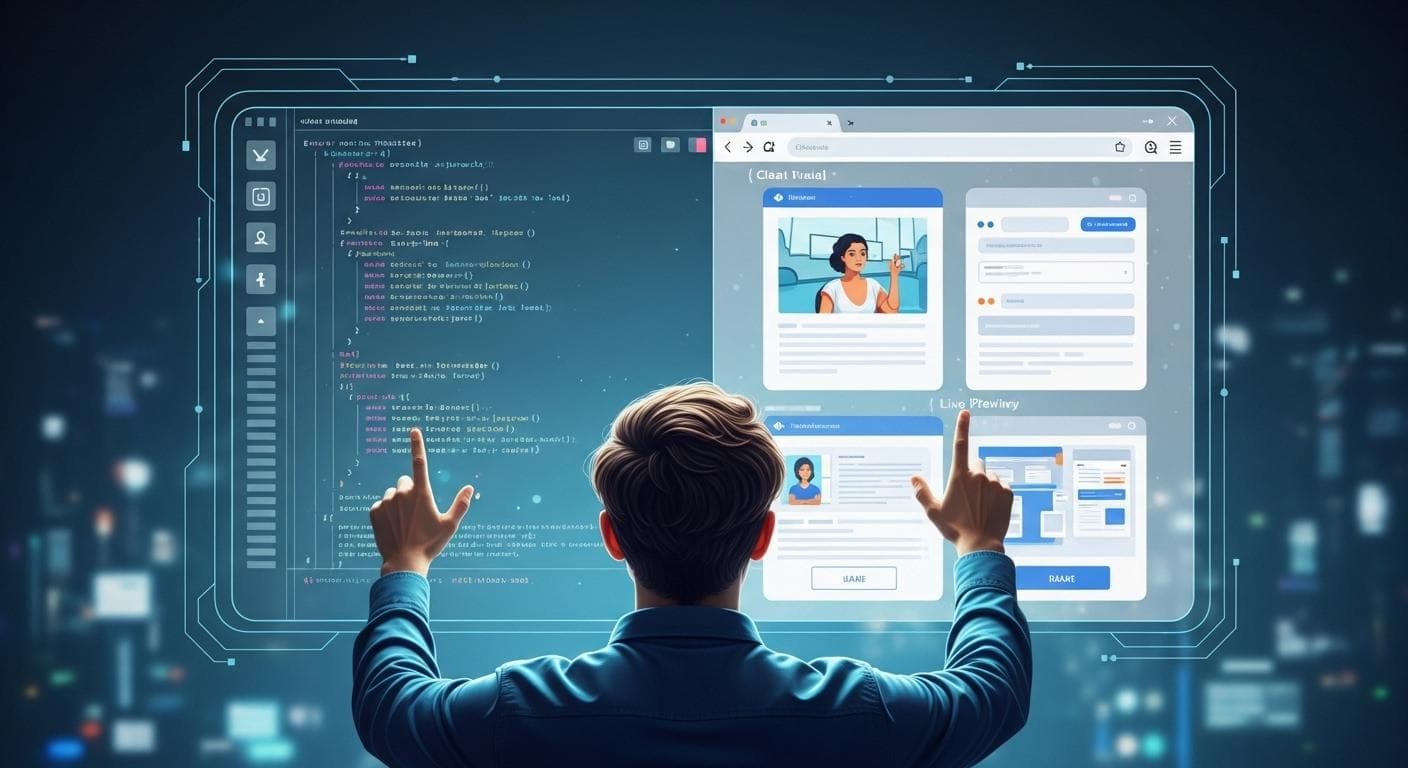
The generated app appears instantly in a preview window. It's not a static image; it's a live, functioning website. You can click buttons, scroll through animations, and interact with the elements. If something isn't quite right, you don't need to dig into the code. You can simply give the AI a follow-up prompt: "Change the primary color to electric blue," or "Make the animations faster."
The Gallery: Pushing the Limits of One-Shot Generation
Gemini 1.5 Pro's capabilities extend far beyond standard landing pages. Its deep understanding of aesthetics, code, and advanced libraries like Three.js unlocks a new frontier of creative possibilities.
Example 1: The SaaS Landing Page with Scroll Animations
A simple prompt for a modern software product can yield a professional page with a clean layout, a pleasing sense of typography, and animations that make the content feel dynamic and engaging as the user scrolls.
Prompt Idea: "Build a landing page for a productivity app. Use a clean, modern design with plenty of white space. Add animations so that each section fades in as you scroll down the page."
Example 2: The Portfolio with Morphing Shaders
For creatives, standing out is key. Gemini can generate complex visual effects like shaders - programs that run on a graphics card to create stunning, high-performance visuals. A simple request can result in a portfolio with a background that morphs and shifts between colors, creating an unforgettable experience.
Prompt Idea: "Create a personal portfolio website for a designer. The background should be a dynamic, fluid gradient that slowly morphs between purple and blue."
Example 3: The Interactive 3D Product Viewer
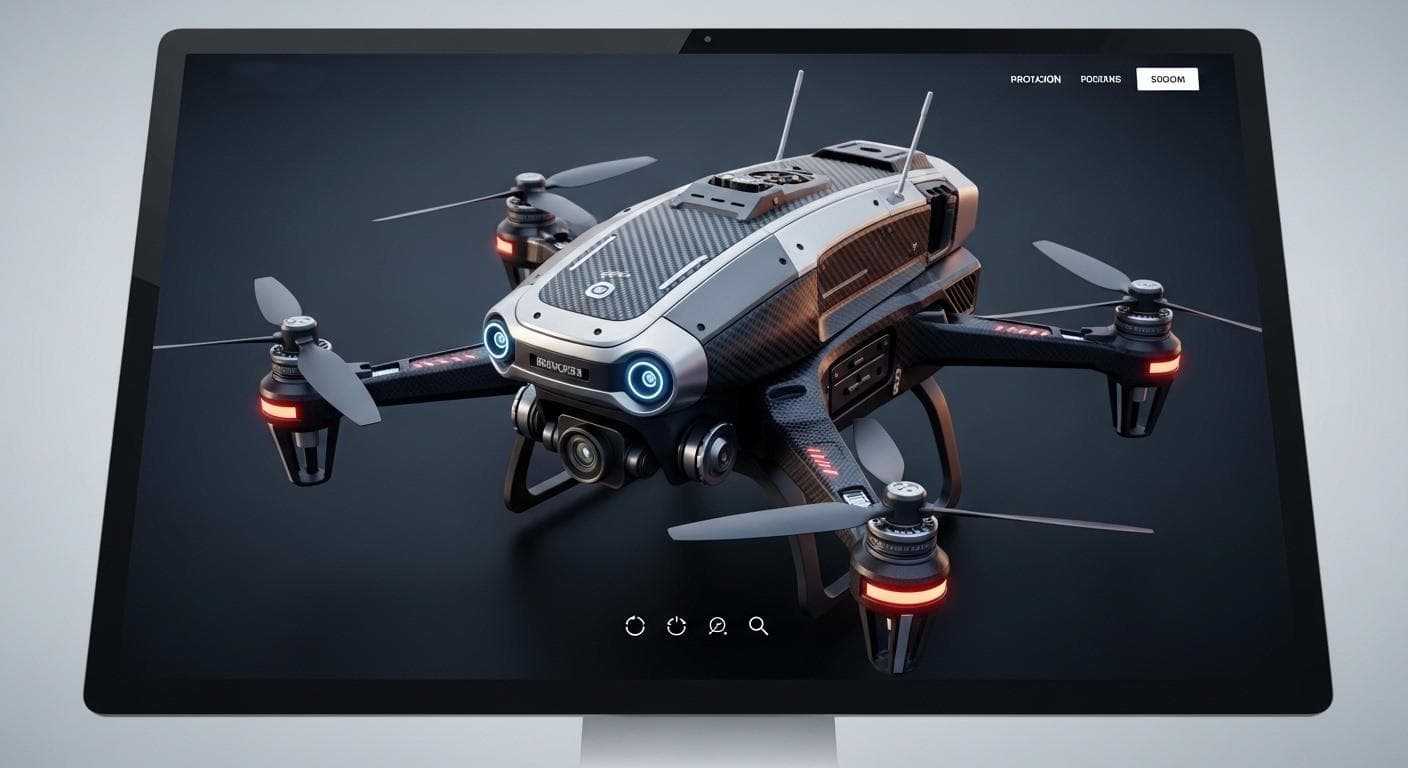
E-commerce is about to get a lot more immersive. Using libraries like Three.js, Gemini 1.5 Pro can generate interactive 3D scenes. Imagine a landing page for a new pair of sneakers where customers can rotate, zoom, and inspect the product in 3D, all generated in moments.
Prompt Idea: "Generate a product page with an interactive 3D model viewer using 3JS. It should display a futuristic drone that the user can rotate with their mouse."
One-Shot vs. No-Code: A New Tool for Developers
It's important to distinguish this new paradigm from existing "no-code" website builders. Tools like Framer AI are designed primarily for non-technical users, abstracting away the code entirely. One-shot web design in AI Studio is fundamentally different: it's a developer-first tool.
While a no-code tool gives you a user interface to drag and drop elements, AI Studio gives you clean, editable code. This means you aren't locked into a walled garden. You get the speed of AI generation combined with the power and flexibility of a real codebase, making it the ultimate accelerator for prototyping and creative development.
Limitations and When to Use Traditional Methods
As revolutionary as one-shot design is, it's not a silver bullet for every project. It excels at creating single-page applications, interactive demos, prototypes, and creative portfolios. For highly complex, multi-page enterprise applications with intricate state management, deep backend integrations, and stringent security requirements - a traditional development workflow remains the most robust approach. The power of one-shot design is in its ability to get you 90% of the way there in 1% of the time, providing an incredible foundation to build upon.
From Page to Product: Customizing and Deploying Your Site
While one-shot generation is powerful, its true strength lies in its partnership with the developer. The generated code is not a black box; it's a starting point.
Remixing the Code
AI Studio provides full access to the generated HTML, CSS, and JavaScript. For example, the AI might generate this CSS for a button:
button {background-color: #007bff;color: white;padding: 10px 20px;border: none;border-radius: 5px;cursor: pointer;}
A developer can immediately jump in and add a custom hover effect with just two lines of code:
button:hover {background-color: #0056b3;transform: translateY(-2px);}
This workflow combines the speed of AI with the precise control of professional development.
Exporting and Deploying
Once you're happy with the prototype, you can export the entire codebase. From there, you can open it in your favorite IDE like VS Code, integrate it into a larger project, and deploy it to the world using services like Vercel, Netlify, or Google Cloud Run.

The Future of Creation is Conversational
One-shot web design represents more than just a new tool; it's a fundamental change in how we create digital experiences. It democratizes development, allowing designers and entrepreneurs to build sophisticated applications without writing a single line of code. For developers, it's an unparalleled accelerator, handling the boilerplate so they can focus on truly innovative challenges.
The era of painstakingly translating static designs into code is ending. We are moving into a future where creation is conversational, where the only limit is the clarity of your vision and the power of your imagination. The prompt is the new canvas, and the possibilities are endless.
What is the first thing you would build with one-shot web design? Share your most ambitious ideas in the comments below!



Comments
We load comments on demand to keep the page fast.