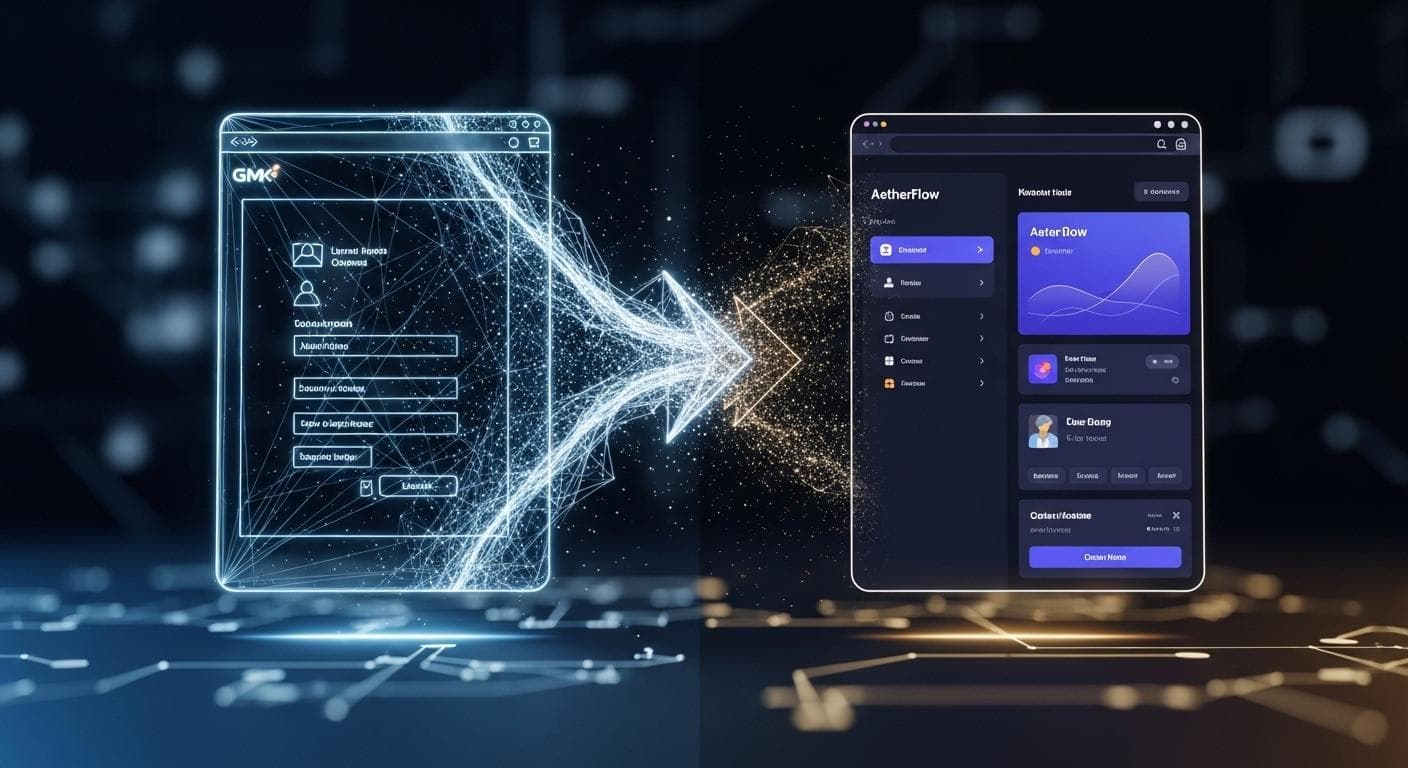
It’s a feeling many developers have experienced in the last year: a flash of inspiration, a single-line prompt, and within minutes, a fully interactive, surprisingly functional application comes to life on your screen. This is the magic of "vibe coding" in environments like Google AI Studio-a purely creative, iterative process where you and an AI model sculpt an idea into a working prototype. You’ve built a clever game, a stunning landing page, or a useful utility. It works, it’s impressive, and you want to share it with the world.
But that’s where the magic often hits a wall. A prototype isn't a product. A real application needs user accounts, a persistent database, a custom domain, robust error handling, and a scalable deployment strategy. The journey from a vibe-coded concept to a production-grade application has historically been a chasm of complexity. Today, a new workflow is emerging, bridging that gap with a seamless, agent-driven path forward. This is the guide to taking your brilliant AI Studio prototype and scaling it into a real, durable product using Google’s new agentic development environment, Anti-gravity.
The New AI Development Lifecycle: From a Spark of an Idea to a Scalable Product
The traditional development lifecycle is being fundamentally rewritten. What once required weeks of planning, scaffolding, and boilerplate code can now begin with a simple conversation. This new lifecycle embraces rapid iteration at the start and provides a clear, powerful path to scale when an idea proves its worth.
Phase 1: "Vibe Coding" Your Concept in Google AI Studio
"Vibe coding" is about speed and creativity. It’s the process of using natural language to generate, modify, and explore application concepts without getting bogged down in the specifics of frameworks or deployment pipelines. With Gemini 3 powering AI Studio, developers can create rich, multi-modal, and visually stunning web applications from simple text prompts. You can generate a 3D flight simulator, an interactive data visualization, or an app that turns a floor plan into a virtual home tour, often in a single shot. This is the ultimate sandbox for innovation, allowing you to test ideas and build functional mockups faster than ever before.
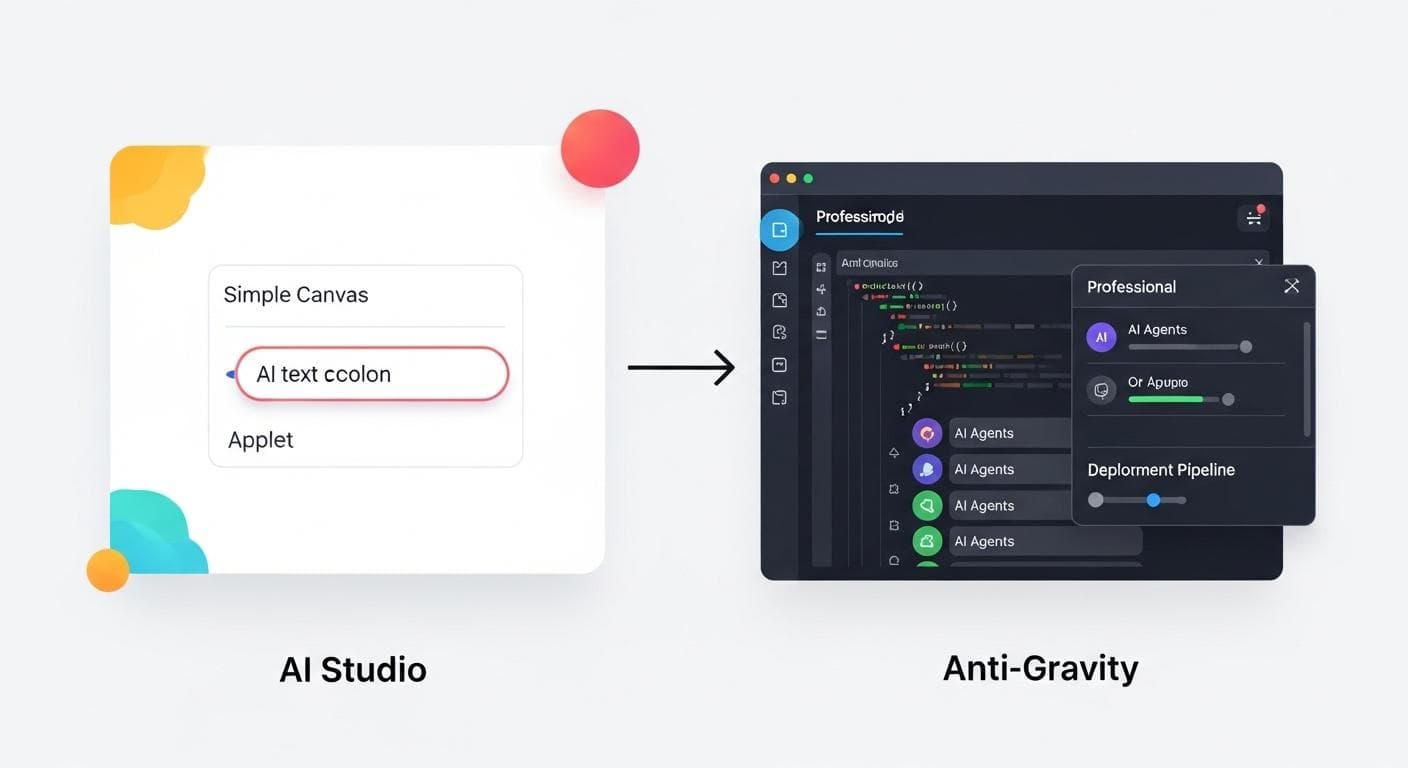
The Scaling Challenge: When Your Prototype Needs to Become a Product
The very freedom that makes AI Studio perfect for prototyping becomes its limitation when you're ready to build a real product. By design, a vibe-coded app lacks the critical infrastructure required of a production service. This is the crucial inflection point where a developer must move from a creative canvas to a professional toolkit.
Key questions arise:
- How do I add user authentication and manage accounts?
- Where will user data be stored securely and persistently?
- How do I connect to other APIs or services?
- How can I set up a proper development environment with version control and testing?
- What's the path to deploying this on a scalable platform like Cloud Run?
Answering these questions requires a more powerful and structured environment. That environment is Anti-gravity.
Understanding Your Toolchain: AI Studio vs. Anti-gravity
To navigate this new workflow, it’s essential to understand the distinct roles these two powerful tools play. They aren’t competitors; they are two key stages in a single, cohesive development journey.
AI Studio: The Instant Idea-to-App Canvas
Think of AI Studio as a digital-native prototyper and creative sandbox. Its core strengths are:
- Speed: Go from a one-sentence idea to a working app in seconds.
- Simplicity: No setup required. You interact entirely through natural language prompts.
- Creativity: Perfect for exploring visual concepts, building interactive demos, and testing the capabilities of the latest Gemini models.
- Accessibility: Anyone can start building without needing to be an expert in front-end frameworks or cloud infrastructure.
Anti-gravity: The Agent-First IDE for Complex Development
Anti-gravity is a full-fledged, professional Integrated Development Environment (IDE) built for the age of AI. It assumes you have a project that needs to be built, tested, and maintained over the long term. Its strengths lie in:
- Agentic Workflow: You don't just write code; you orchestrate autonomous AI agents to perform complex tasks like adding authentication, writing API integrations, or generating comprehensive test suites.
- Full Project Control: It provides a complete file system, terminal access, version control integration, and a structured project environment.
- Scalability: Designed from the ground up to handle complex, multi-file projects and deploy them to production-grade services.
- Deep Integration: Agents in Anti-gravity can not only write code but also interact with web browsers to perform research, test UIs, and validate functionality.
The Walkthrough: Taking a "Vibe Coded" App to Production
Let’s make this concrete with an end-to-end example. We’ll build a “Smart Travel Planner” app, starting in AI Studio and graduating it to a full-featured product in Anti-gravity.
Step 1: Building Our Prototype in AI Studio
We begin with a spark of an idea. We open AI Studio and give it a simple prompt:
Create a visually appealing app that helps me plan a trip. I want to be able to enter a city, and it should show me a beautiful image of the location, a list of top 3 landmarks, and suggestions for local food to try. Use Google Maps data to show the landmarks on an interactive map.
In under a minute, Gemini 3 generates a working web application. It has a clean UI, an input box for the city, and it correctly uses the Maps API to display the requested information. It's the perfect prototype to validate our core idea.

Step 2: Identifying Scaling Needs
We love the prototype, but to turn it into a real product, we need more. We define our production requirements:
- User Accounts: Users need to sign up and log in to save their trips.
- Persistent Storage: Saved trips must be stored in a database (like Firestore).
- Custom Domain: We need to deploy the app to our own URL.
These are complex tasks that go beyond the scope of a simple AI Studio prompt.
Step 3: The Seamless Hand-off: Exporting to Anti-gravity
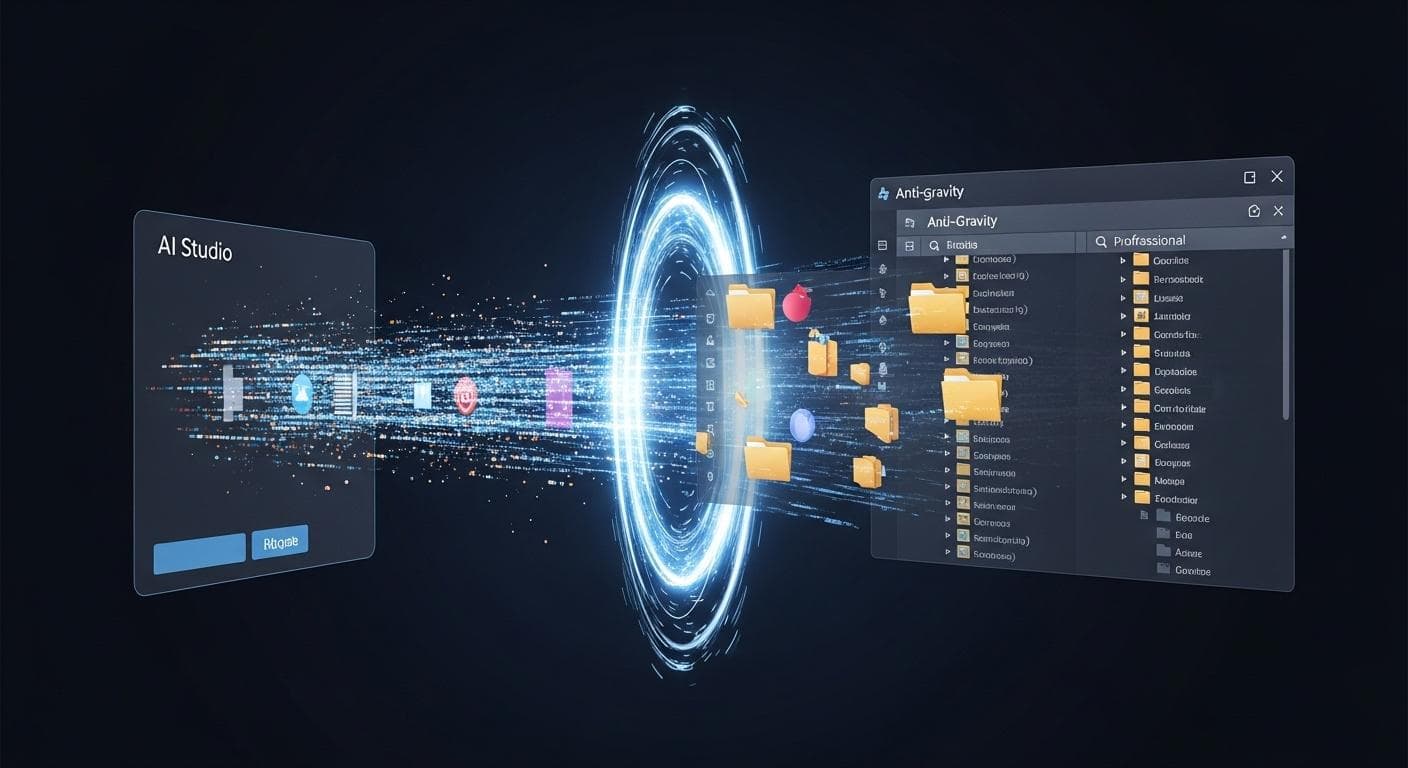
This is where the magic happens. The vision for this workflow includes a seamless "Export to Anti-gravity" button directly within AI Studio. Clicking this would package up the entire codebase-HTML, CSS, JavaScript, and any server-side files-and transport it into a new, fully configured Anti-gravity workspace. For now, this process involves downloading the generated code from AI Studio and setting it up as a new project in Anti-gravity. Either way, the prototype’s code becomes the foundation of our professional project.
Step 4: Your Project's New Home: Navigating the Anti-gravity Workspace
Inside Anti-gravity, we're no longer in a simple prompt interface. We have a familiar IDE layout: a file tree on the left, a code editor in the center, and a terminal at the bottom. But the most important new element is the agent command panel. This is our new command center for development.
Leveling Up: Using Agents to Build Production-Ready Features
Now, instead of writing all the code ourselves, we delegate. We’ll tackle our first production requirement: adding user authentication.
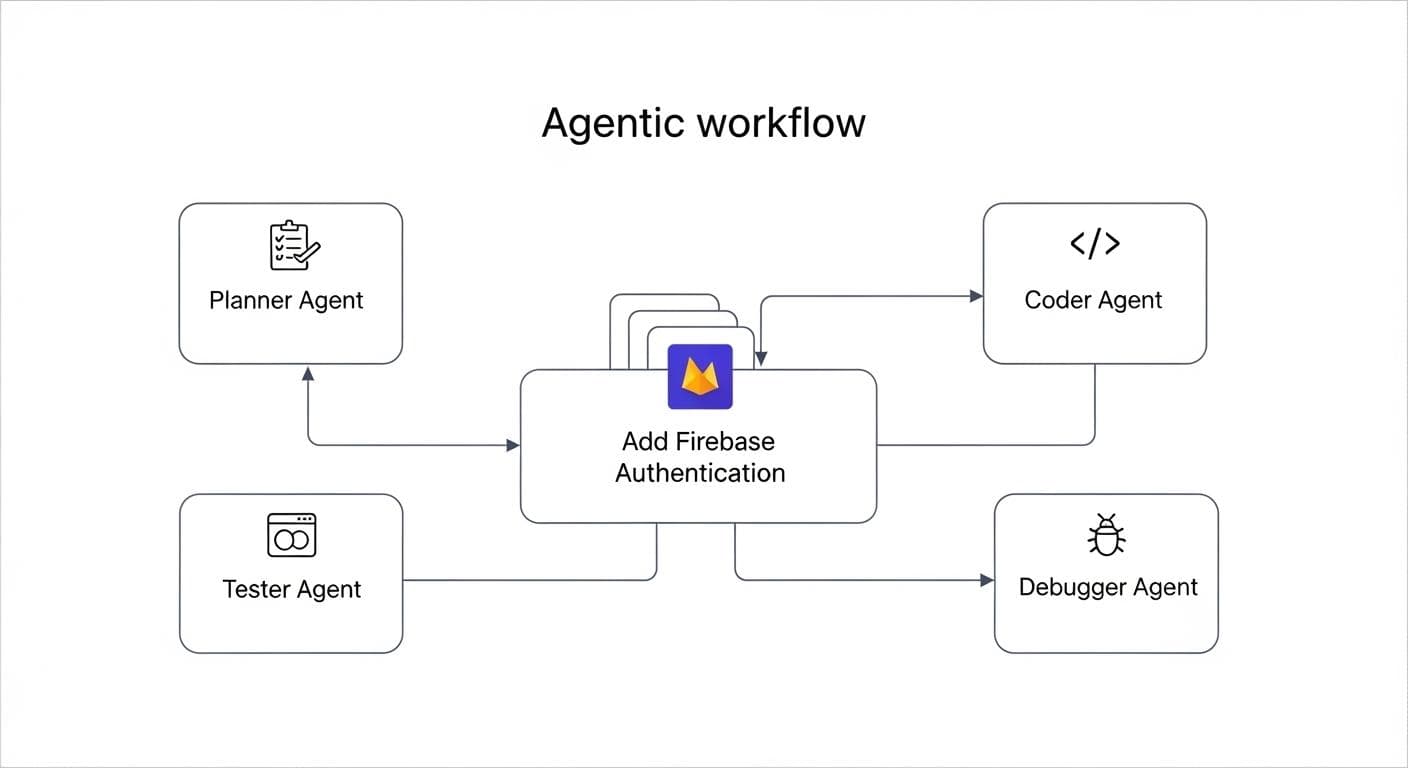
Tasking an Agent: "Add Firebase Authentication to this Application"
We give a high-level command to an Anti-gravity agent:
AGENT PROMPT: Integrate Firebase Authentication into this project. Add a Sign Up and Login flow. Create a user profile page that displays the user's email after they log in. Protect the main travel planner page so only authenticated users can access it.
Autonomous Collaboration: How Agents Plan, Execute, and Test Code
The agent doesn't just spit out a block of code. It begins a sophisticated, multi-step process. This is a collaborative effort; the developer acts as the architect, reviewing the agent's plans and results at each step.
- Planning: The agent outlines its plan for your review. It might propose installing the Firebase SDK, configuring credentials, creating new UI components, and modifying routing logic. You can approve this plan or suggest changes before any code is written.
- Execution: Once approved, the agent writes and modifies the necessary files. You see new files like `auth.js` and `LoginPage.jsx` appear in your file tree in real-time.
- Testing: Crucially, once the code is written, the agent can spin up a development server and actuate the browser to test the flow. It will attempt to sign up, log in, and access the protected page, providing a summary of its test results.
- Iteration: If it encounters an error, it will report the issue and suggest a fix. You can guide its debugging process, ensuring the final implementation meets your exact standards.
This same interactive process can be used to add a Firestore database, integrate third-party APIs, or even write a suite of unit tests.
Finalizing and Deploying Your Scaled App
Once all features are built, the final step is deployment. Anti-gravity provides deep integration with Google Cloud Run, allowing an agent to containerize the application, configure cloud settings, and deploy it. This makes your app live to the world on a scalable, serverless platform. Because the final output is a standard container, you also have the flexibility to deploy it to other cloud services like AWS or Microsoft Azure, fitting into any existing infrastructure you may have.
From Free Tier to Production Costs: What to Expect
A critical part of scaling your application is understanding the shift in cost structure. While AI Studio is fantastic for getting started on a generous free tier, moving to a production environment like Anti-gravity involves real-world operational costs.
- Backend Services: Integrating tools like Firebase Authentication or a Firestore database will typically involve their own pricing tiers, which scale with usage (e.g., number of users, data stored).
- Cloud Hosting: Deploying your application on Google Cloud Run or another provider will incur costs based on resource consumption, such as CPU time, memory usage, and number of requests.
- API Calls: If your production application makes heavy use of the Gemini API or other paid APIs, these will be billed according to their rate sheets.
This transition is a natural part of the product lifecycle, moving from a free, experimental phase to a professional setup where costs are tied directly to the scale and success of your application.

Strategic Decision Making: When to Start in AI Studio vs. Anti-gravity
Understanding this workflow helps clarify which tool to reach for and when.
Choose AI Studio for:
- Rapidly prototyping new ideas.
- Building interactive mockups for presentations.
- Exploring creative and visual concepts with AI.
- Hackathons and time-sensitive projects where speed is paramount.
Choose Anti-gravity for:
- Building real SaaS products and complex web applications.
- Projects requiring user accounts, databases, and external API integrations.
- Long-term development projects that need version control, testing, and a CI/CD pipeline.
- Refactoring or adding major features to existing codebases.
Conclusion: The Future is an Agent-Driven Workflow
The gap between a creative spark and a scalable product has never been smaller. The combination of AI Studio for ideation and Anti-gravity for productionization represents a fundamental shift in how we build software. It empowers developers to spend more time on the creative, high-level aspects of their vision, delegating the complex, time-consuming implementation details to a team of tireless AI agents. This isn't about replacing developers; it's about augmenting them, turning a single developer into a super-productive architect who can orchestrate the creation of sophisticated applications at an unprecedented speed.
This new workflow transforms development from a series of tedious tasks into a continuous, creative conversation with technology. It starts with a vibe and ends with a globally deployed product, all within a single, cohesive ecosystem. The future of AI development is here, and it's more collaborative, creative, and powerful than ever before.
What kind of app would you build with this workflow? Share your most ambitious AI Studio prototype idea in the comments below!



Comments
We load comments on demand to keep the page fast.