What if you could build a fully interactive 3D flight simulator, a complex data visualization, or a slick e-commerce landing page not in weeks, but in seconds? What if the only tool you needed was a single sentence describing your idea-your "vibe"?
This isn't a hypothetical future; it's the reality of a new paradigm in software development, a concept we'll call "Vibe Coding." Powered by advanced models like Google's Gemini 1.5 Pro inside AI Studio, it's a method that collapses the distance between imagination and a working prototype, allowing developers, designers, and creators to bring complex ideas to life with unprecedented speed and creativity. This guide will explore what this concept is, showcase the incredible applications it makes possible, and give you the framework to start building your own.
What is "Vibe Coding"? From Idea to Interactive App in Seconds
Vibe Coding is a form of prompt-based development where you describe the application you want to build in natural language, and an advanced AI model like Gemini 1.5 Pro generates the complete, functional codebase for you. It goes far beyond simple code snippets or function generation. It understands context, aesthetics, user interaction, and even complex frameworks to construct entire applications from a single, descriptive prompt.
Beyond Code Generation: The Philosophy of Vibe Coding
At its core, this approach represents a philosophical shift in our relationship with software creation. Instead of focusing on the low-level mechanics of syntax, libraries, and boilerplate, the creator focuses entirely on the high-level vision: the user experience, the functionality, and the overall feel-the vibe.
This paradigm shift allows for an almost conversational style of development. You start with an idea, see it manifest, and then refine it through further conversation. The AI becomes a creative partner, not just a code-completion tool. It can surprise you, suggest elegant design solutions you hadn't considered, and handle the tedious implementation details, freeing you to stay in a state of creative flow.
The Core Workflow: Prompt, Run, Iterate, Remix
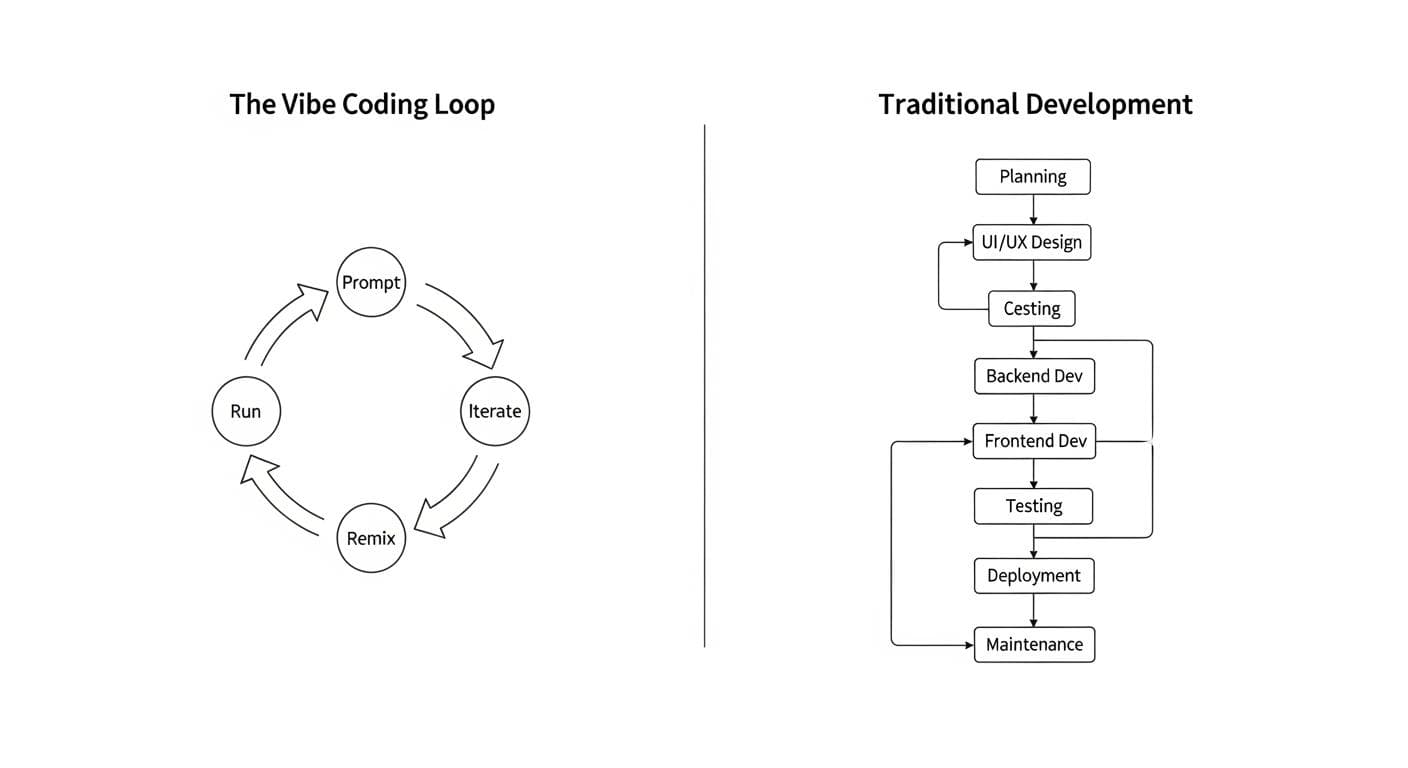
The Vibe Coding process is a simple, powerful loop that encourages rapid experimentation and exploration:
- Prompt: You start by writing a clear, descriptive prompt in AI Studio. This can be as simple as "Create a landing page for a sustainable coffee brand" or as complex as "Build a 3D city simulation game where I can add roads and data centers."
- Run: You execute the prompt. The Gemini model analyzes your request, plans the necessary files (HTML, CSS, JavaScript, server components), and generates the code in real-time.
- Iterate: You instantly see a live preview of your application. If something isn't right, you don't dive into the code. You simply write another prompt, like "Fix the bug where the button doesn't work," or "Change the color scheme to be more modern and minimalist."
- Remix: You can build upon your creation or even existing examples from the AI Studio gallery. Saw a cool 3D globe app? Remix it with a prompt like, "Add Google Maps data so when I click a country, it shows me top travel destinations."
Vibe Coding in Context: How Does It Compare?
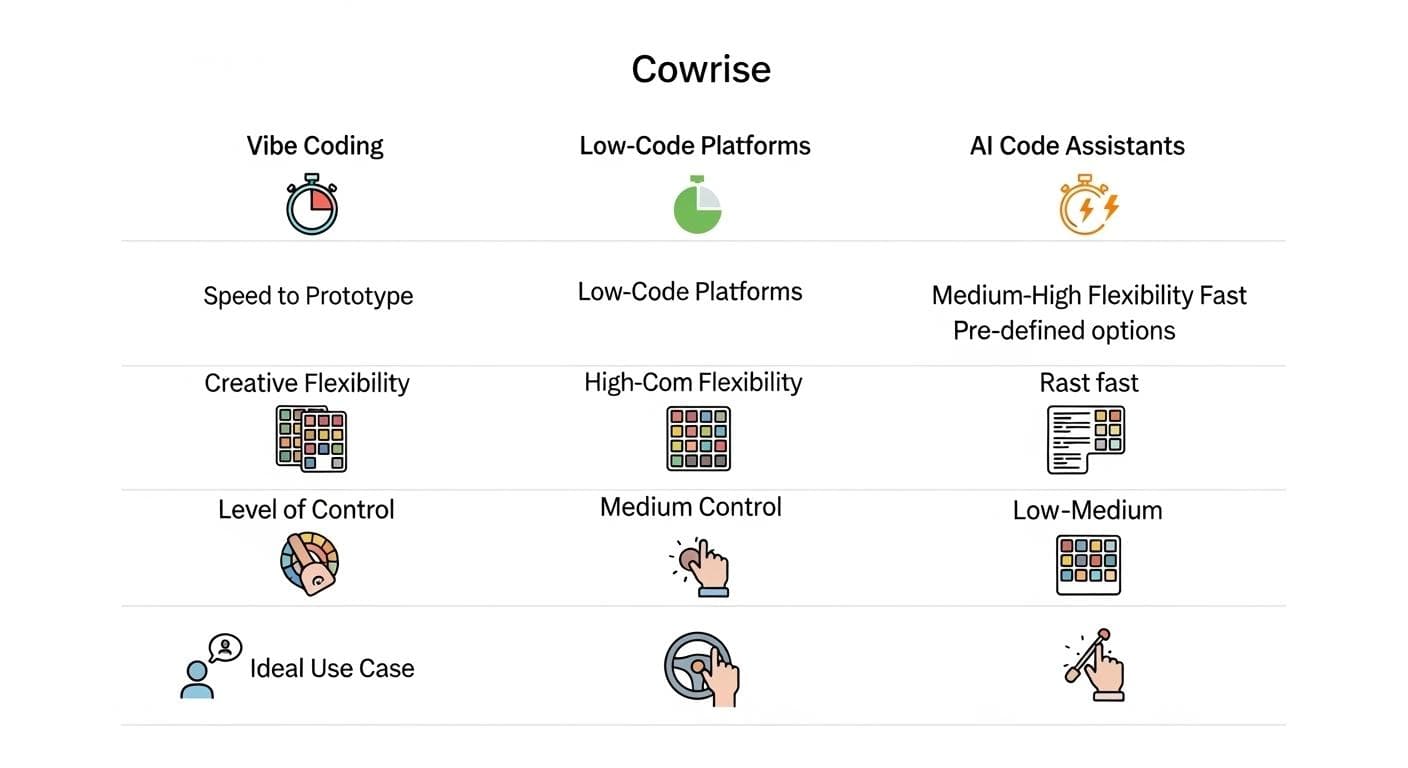
To truly understand the power of this approach, it's helpful to see where it fits in the landscape of modern development tools. It's not a universal replacement, but a powerful new option with a unique set of trade-offs.
Vibe Coding vs. Low-Code/No-Code Platforms
Low-code platforms like Bubble or Webflow empower non-coders to build apps using visual, drag-and-drop interfaces. They offer a high degree of control within a structured, sandboxed environment. Vibe Coding is different: it's less about visual manipulation and more about linguistic expression. You have near-infinite flexibility because you can describe literally anything, but you trade the granular, click-by-click control of a visual editor for the expressive power of natural language.
Vibe Coding vs. AI Code Assistants
AI Code Assistants like GitHub Copilot are brilliant tools that operate inside a traditional coding environment. They suggest lines or blocks of code, speeding up the manual work of a developer. Vibe Coding operates a level above this: it generates the entire application structure from the outset. You start with a working app and then refine it, whereas with a code assistant, you start with a blank file and build it piece by piece, albeit much faster.
Unleashing Gemini 1.5 Pro's Power: A Gallery of Examples
Simple landing pages are just the beginning. The true power of this method lies in building applications that would traditionally be considered highly complex. Here's a gallery of what's possible, inspired by real examples built in AI Studio.
Example 1: One-Shot 3D Games & Interactive Worlds
One of the most stunning capabilities is the ability to generate interactive 3D experiences in a single prompt. By specifying a technology like 3JS (a popular WebGL library), you can create entire game worlds.
The Prompt: "Create a 3D flight simulation game in 3JS. I want to be able to fly a biplane around a city with skyscrapers. The controls should be mapped to the arrow keys."
The Result: A functional, browser-based flight simulator. You can then iterate on this with follow-up prompts like, "Add a landing strip on an aircraft carrier," or "Add a blimp that says 'Sponsored by Google' flying in the sky."

Example 2: Dynamic Data Visualizations
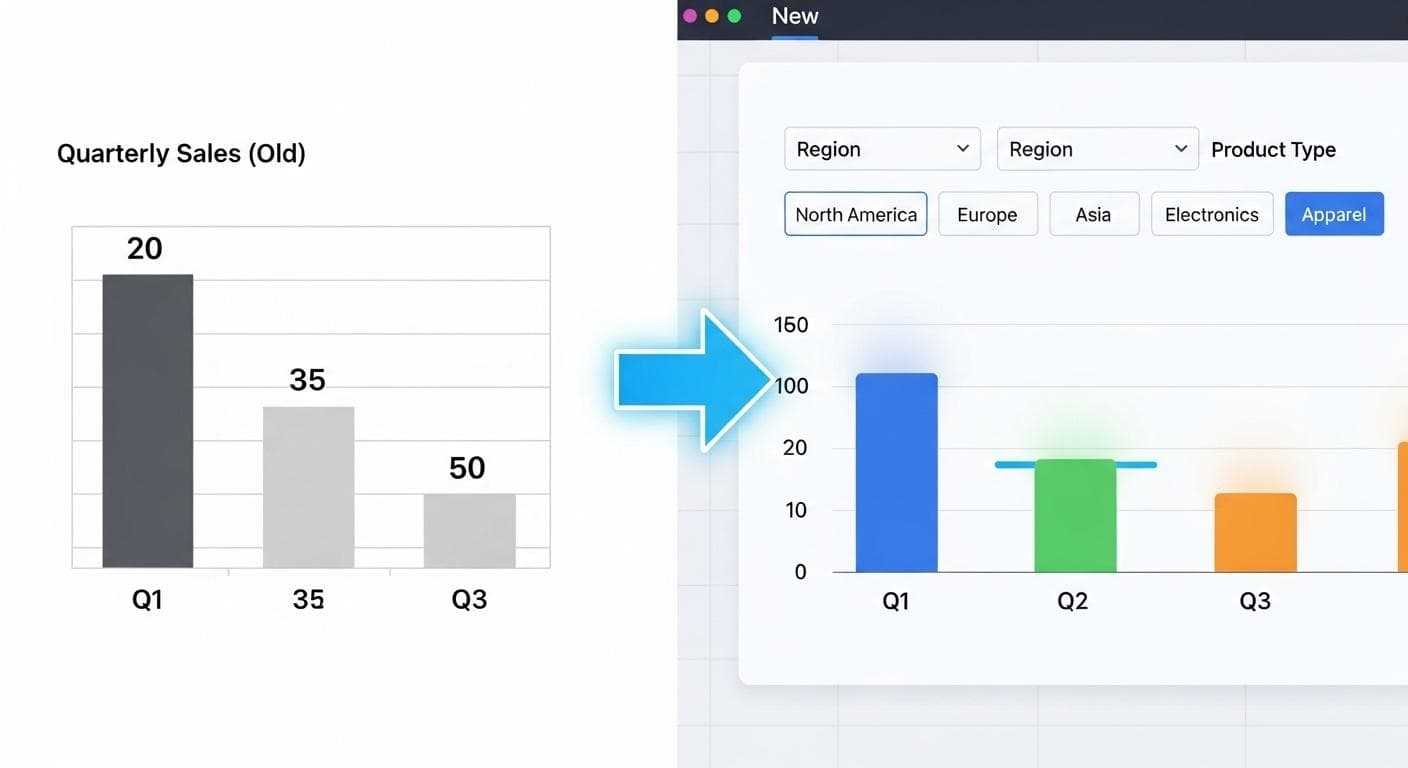
Static charts are boring. Advanced Gemini models can transform raw data or even a screenshot of a chart into a fully interactive web component.
The Prompt: (After uploading a screenshot of a benchmark chart) "Turn this static chart into an interactive web visualization. Add dropdown filters for the categories and checkboxes to compare different models against each other."
The Result: A dynamic, filterable chart that allows users to explore the data in a much more engaging way. This is a game-changer for creating internal dashboards, presenting research, or building data journalism pieces.
Example 3: Multimodal Magic - Bringing Images & Video to Life
Models like Gemini 1.5 Pro are natively multimodal, meaning they can understand and process information from text, images, and video simultaneously. This opens up incredible possibilities to create interactive apps from documents, images, and data.
The Prompt: (After uploading a 2D floor plan image) "Scan this floor plan, detect the rooms, and create an interactive 3D visualization of the home using 3JS. Allow me to place furniture in the rooms."
The Result: The model analyzes the image, segments it into logical spaces (living room, bedroom, etc.), and generates an interactive 3D model. You can then add furniture, change wall colors, and even do a virtual walkthrough-all from a flat image.

Example 4: Building with Real-World Data using Tools
AI Studio allows you to ground your application with real-world data sources by giving the model access to Tools, such as the Google Maps API or Google Search.
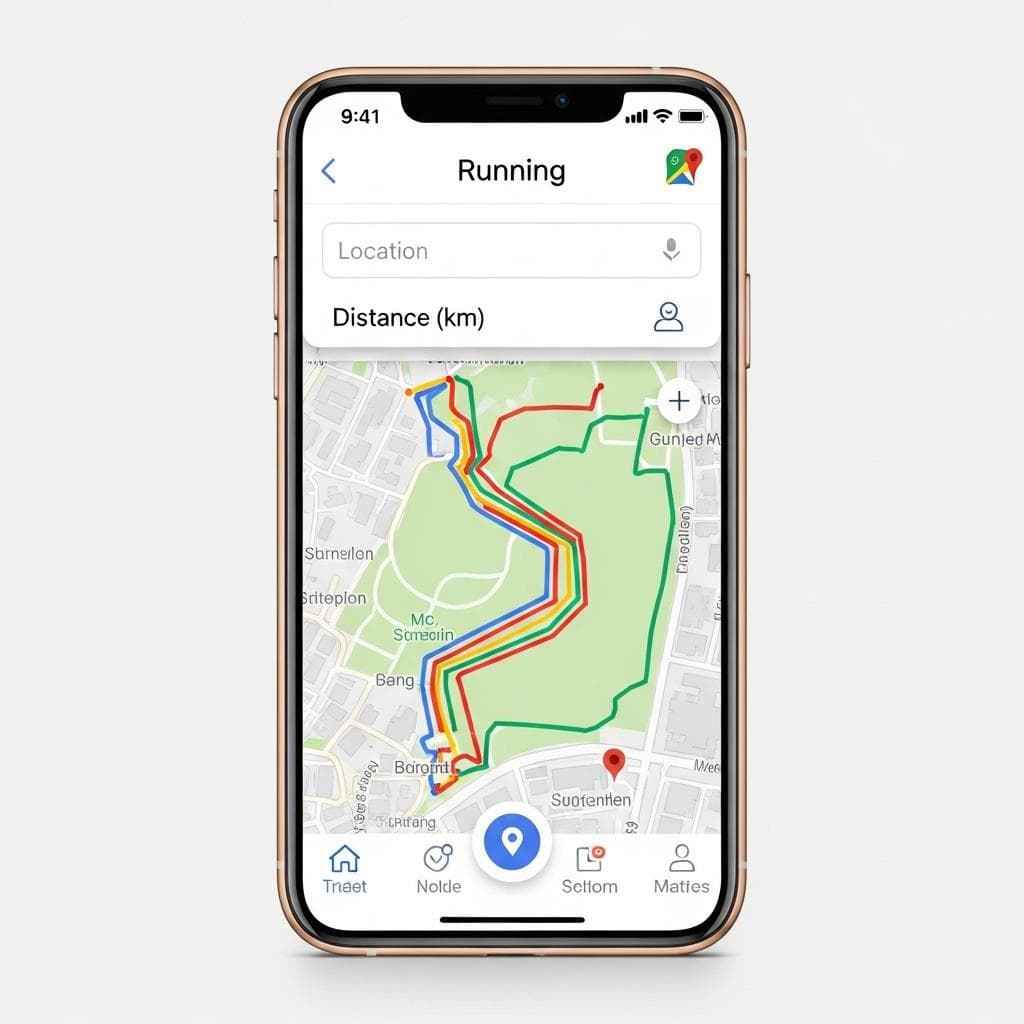
The Prompt: (With the Google Maps tool enabled) "Create a running app. It should have an input where I can type a location and a desired distance, and it should use Google Maps to find and display suitable running routes on a map."
The Result: A functional utility app that integrates a powerful external API. It understands the user's intent and correctly uses the Google Maps data to provide real-world value.
Example 5: Complex Web UIs and Aesthetics
Beyond just functionality, Gemini 1.5 Pro has a remarkable sense of design and aesthetics. It can create web UIs that are not only functional but also beautiful and creative.
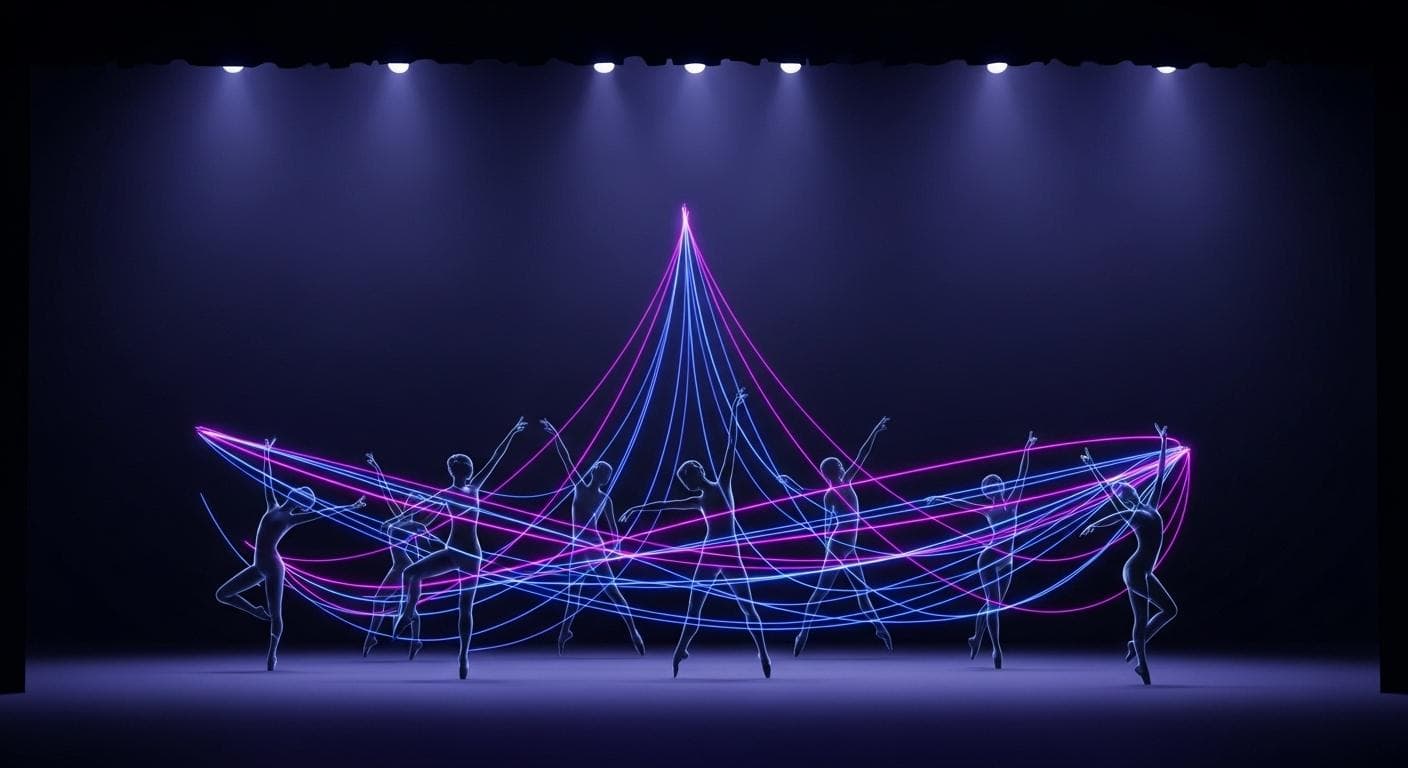
The Prompt: "I'm a dancer. Create an app that lets me map out choreography formations. I need to be able to add dancers, place them on a stage, define multiple formations, and then animate the transition between each formation smoothly."
The Result: A sophisticated web UI with draggable elements, animation controls, and a timeline. The model understands the abstract concept of "formations" and "transitions" and translates it into a tangible, useful tool for a creative professional.
Mastering the Art of the Prompt: A Framework for Success
While the process feels like magic, the quality of your output depends on the quality of your input. Moving beyond simple requests to build complex, reliable apps requires a more structured approach to prompting.
The Anatomy of a Powerful Prompt
An effective initial prompt often contains four key elements:
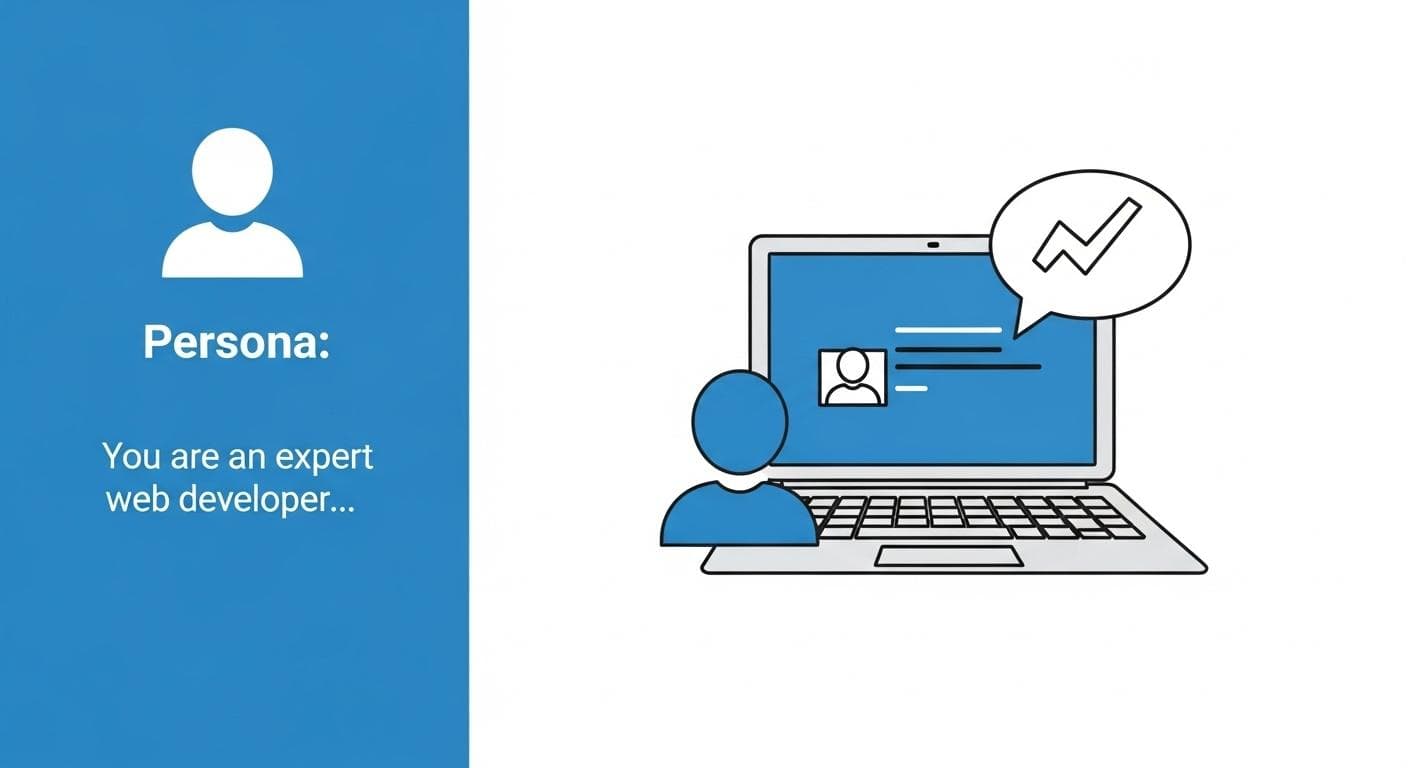
- The Persona/Role: Tell the model what it is. "You are an expert web developer specializing in 3D graphics."
- The Goal/Task: Clearly state what you want to build. "Create a web application that..."
- The Constraints/Technologies: Specify the tools and rules. "...using 3JS and running entirely in the browser. It should not use any external APIs."
- The Details/Features: Describe the user experience and functionality. "The user should be able to fly a plane using arrow keys and see a score in the top-right corner."
Best Practices for Iteration
- Be Specific and Descriptive: The more detail you provide, the better. Instead of "make a game," say "make a fishing game on a wooden boat at sunset in Oklahoma where I can catch a fish, a whale, or a tire."
- Specify Your Tech Stack: If you have a preference, state it. Including phrases like "using 3JS," "in a web UI," or "with React components" guides the model's technical choices.
- Iterate with Conversational Commands: Treat the model like a junior developer. The "Fix this bug" command is surprisingly powerful. You can also say things like, "Make the header sticky," or "Add a dark mode toggle."
- Embrace Remixing: Don't always start from scratch. The AI Studio gallery is full of impressive examples. Find one that's close to your idea and use the "Remix" button to start building on a solid foundation.
Troubleshooting and Common Pitfalls
Even with a powerful model, things don't always work perfectly on the first try. Here's how to handle common issues.
- Buggy or Incomplete Code: The simplest solution is often the best. Isolate the problem and give the model a direct command: "The 'cast line' button in the fishing game doesn't work. Please fix the bug in the code." The model can read its own output, identify the error, and generate a corrected version.
- Aesthetic Mismatches: If the design isn't what you envisioned, provide more specific aesthetic guidance. Instead of "make it look nice," try "update the CSS to use a minimalist design language, with a monochrome color palette, sans-serif fonts, and generous white space."
- When to Stop Prompting: Prompt-based development is for getting you to a functional prototype (from 0 to 1). Once you have a solid base, it's often more efficient to export the code and switch to a traditional IDE for fine-tuning, optimization, and adding complex business logic.
Beyond the Prototype: The Path to a Production App
Vibe Coding in AI Studio is the beginning of the journey, not the end. The goal is to get you from idea to prototype faster than ever before. But what happens when you want to go from prototype to production?
Exporting Your Code for Further Development
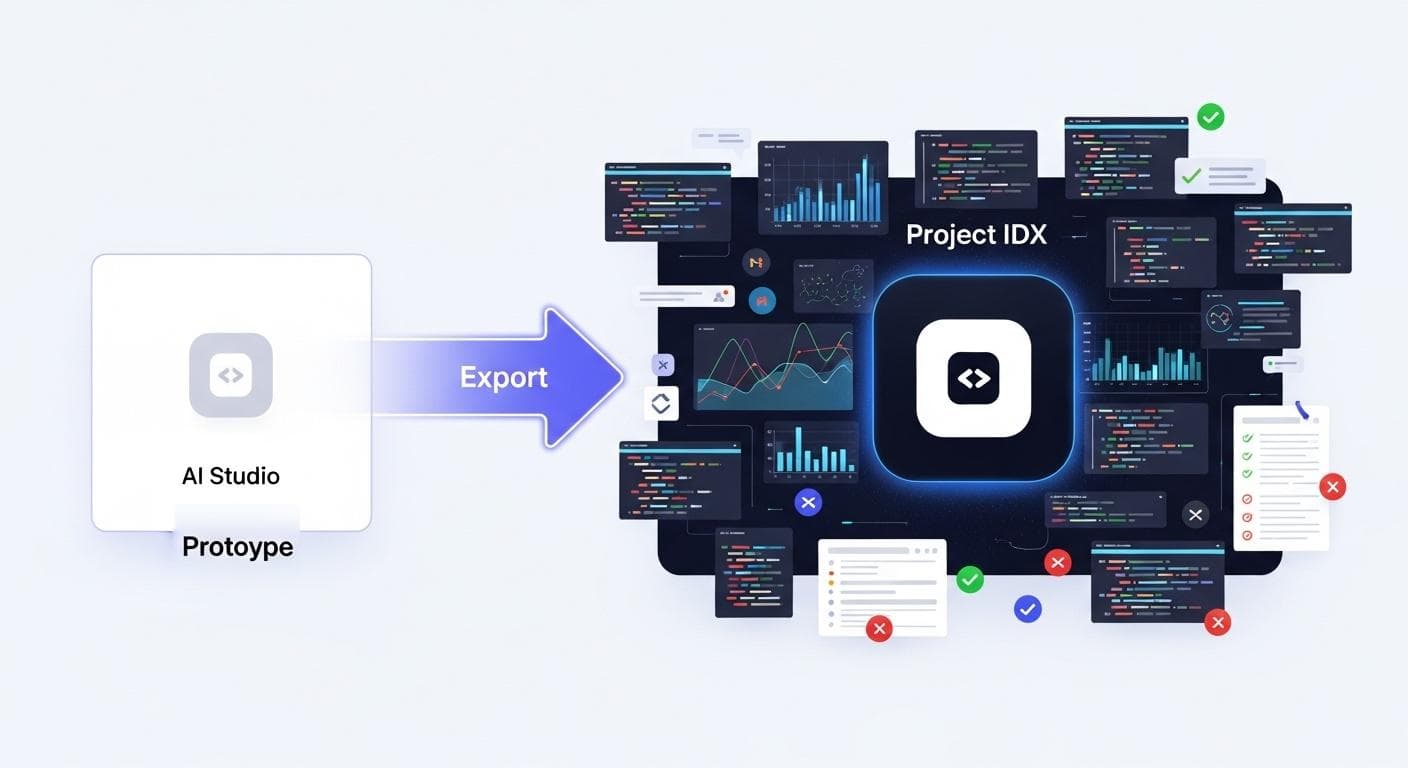
Once you've built a prototype you love in AI Studio, you aren't locked in. You have full access to the generated code. You can download the entire project as a ZIP file and continue working on it in your preferred local development environment, like VS Code. This allows you to take your AI-generated foundation and begin hardening it for production: adding tests, optimizing performance, and integrating it with your existing infrastructure.
The Next Frontier: Graduating to an Agentic IDE
For more complex projects, the next step in AI-native development is an agentic IDE like Google's Project IDX. An agentic IDE is an environment where you don't just write code; you orchestrate multiple AI agents that can build, test, and even research solutions for you.
You can take a complex app from AI Studio and move it into Project IDX. There, you can assign specialized agents to tasks like: "Refactor this code for better performance," "Add a complete user authentication system using Firebase," or "Write a full suite of integration tests."
Conclusion: The Future is Built on Vibes
This new wave of prompt-based development is more than just a feature; it's a fundamental shift in how we approach software creation. It democratizes development, allowing those with a great idea but not necessarily the deep technical expertise to bring their vision to life. For seasoned developers, it's a powerful tool for accelerating creativity, eliminating boilerplate, and exploring new possibilities at the speed of thought.
We are moving from a world where we had to meticulously translate our ideas into the rigid syntax of machines to one where we can simply describe our intent and have a creative AI partner build it with us. The barrier between imagination and implementation is dissolving, and the applications that will be built in this new paradigm are limited only by the quality of our ideas.
What is the first thing you're going to build? What vibe are you excited to bring to life? Share your ideas in the comments below.



Comments
We load comments on demand to keep the page fast.