
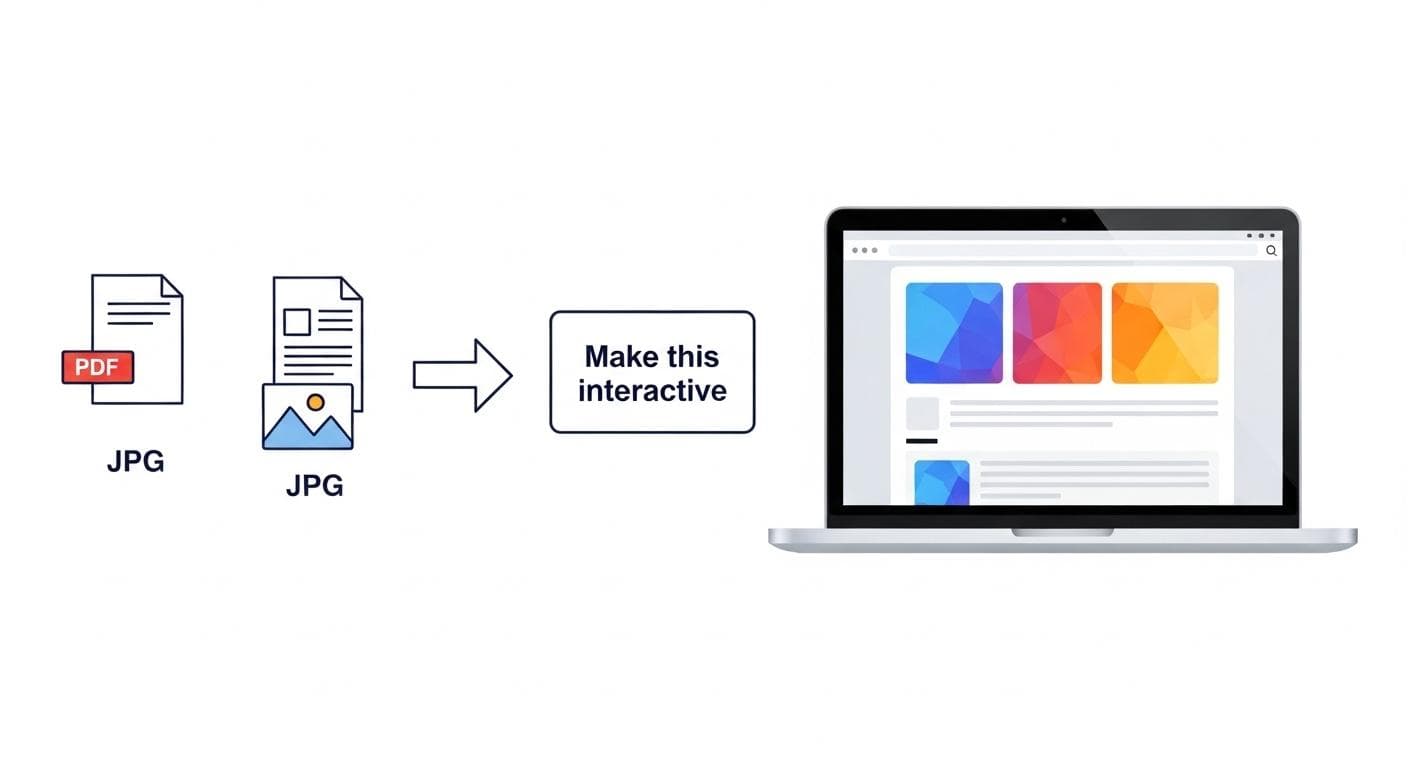
What if you could look at a static image, a dense PDF, or even a simple sketch and, with a single command, breathe life into it? This isn't science fiction; it's the new reality for developers and creators, powered by Google's Gemini 3. A fundamental shift is underway, moving beyond simple code generation to a world where AI acts as a creative partner, capable of transforming any asset into a dynamic, interactive application.
This isn't just about making development faster. It's about changing the very nature of creation. Imagine turning a company's performance chart into an interactive dashboard, a complex research paper into an explorable visual guide, or a doodle on a napkin into a working UI prototype-all in a matter of seconds. This guide is your comprehensive playbook for mastering this new frontier. We'll explore the core concepts, walk through powerful examples, and give you the step-by-step instructions to start building your own interactive experiences today.
What Does It Mean to "Bring Anything to Life" with Gemini 3?
The phrase "bring anything to life" is more than a catchy slogan; it describes a profound multimodal capability. At its core, it's the power to take a non-interactive, static asset and instantly convert it into a functional piece of software. This process, often called vibe coding within Google's AI Studio, feels like magic but is built on groundbreaking AI advancements.
Beyond Text: How Gemini Understands Vision, Structure, and Intent
Previous generations of AI were largely confined to text. You could describe an app, and the model would generate code. Gemini 3 operates on a different level. Its multimodal architecture allows it to natively understand not just words, but also images, videos, data structures, and the implicit relationships within them.
When you upload a floor plan, Gemini 3 doesn't just see pixels; it recognizes rooms, walls, and potential furniture layouts. When you provide a technical document, it parses headings, charts, and tables, understanding the document's inherent structure. This deep, cross-modal understanding is the foundation that allows it to translate the essence of an asset, not just its surface-level appearance, into a working application.
The "One-Shot" Magic: From Simple Prompts to Functional Code
The most revolutionary aspect of this technology is its simplicity. The traditional development cycle involves detailed specifications, wireframing, coding, and debugging. With Gemini 3 in AI Studio, this entire process can be condensed into a single, conversational prompt.
A prompt as simple as "Make this chart interactive" or "Turn this research paper into an explorable guide" is often all that's needed. The model analyzes the provided asset, infers your intent, and generates the complete, working code-HTML, CSS, JavaScript, and even backend logic-to create the interactive experience. This "one-shot" capability dramatically lowers the barrier to entry, empowering anyone with an idea to become a creator.
The Builder's Playbook: 4 Powerful Transformations for Your Assets
To truly grasp the power of Gemini 3, let's explore four practical, high-impact ways you can transform your static assets into living, interactive applications. These examples, demonstrated by developers, showcase the breadth of creative possibility.
Play 1: The Data Visualizer (From Static Chart to Interactive Dashboard)
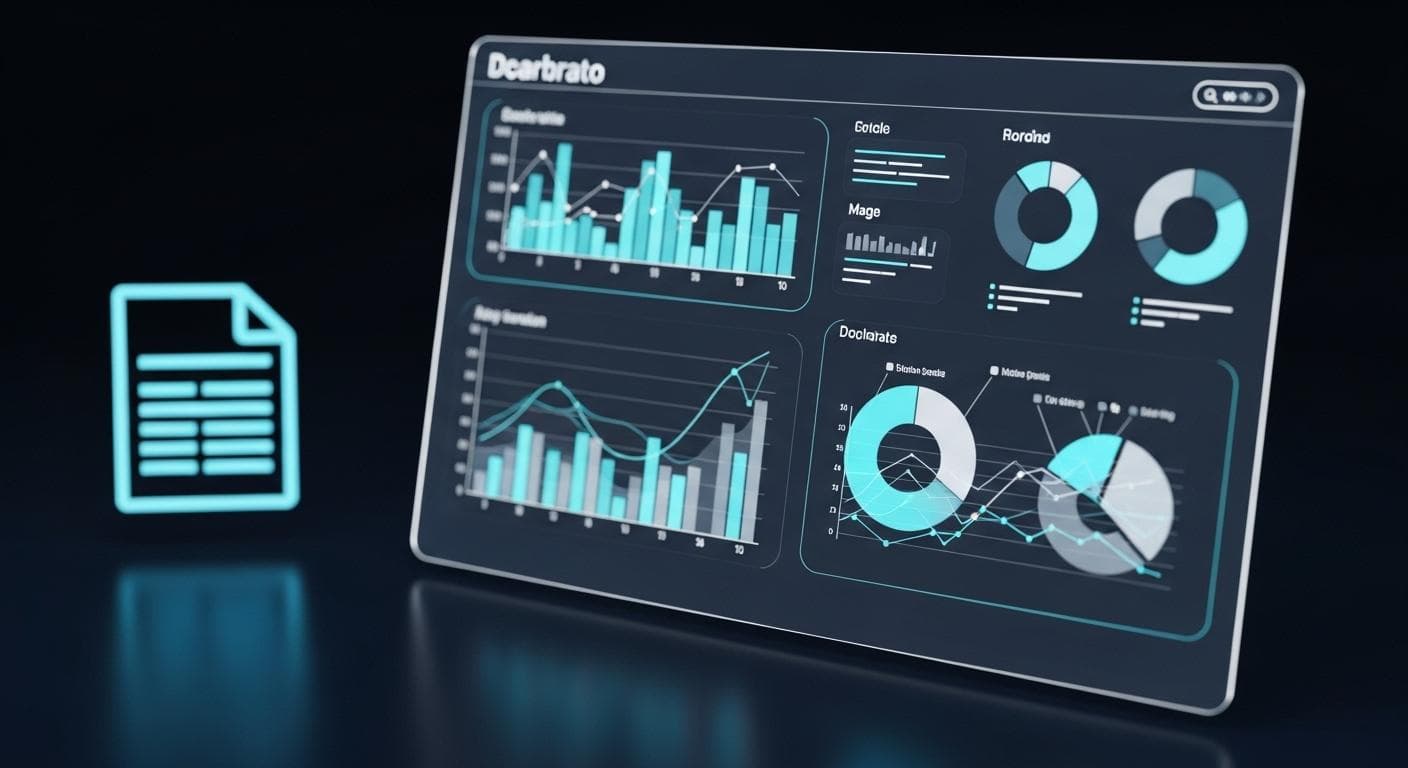
Every organization has static charts in presentations and reports. They convey information but lack depth. Gemini 3 can instantly turn them into powerful tools for exploration.
In one demonstration, a static bar chart comparing the performance benchmarks of different AI models was uploaded. With a single prompt-"Build an interactive visualization of this benchmark chart"-AI Studio generated a dynamic dashboard. Suddenly, users could filter by model type, hover over data points to see precise figures, and compare different categories in real-time. This transforms a passive viewing experience into an active analytical one, unlocking deeper insights from the same underlying data.
Play 2: The Interactive Document (From Dense PDF to Explorable Guide)
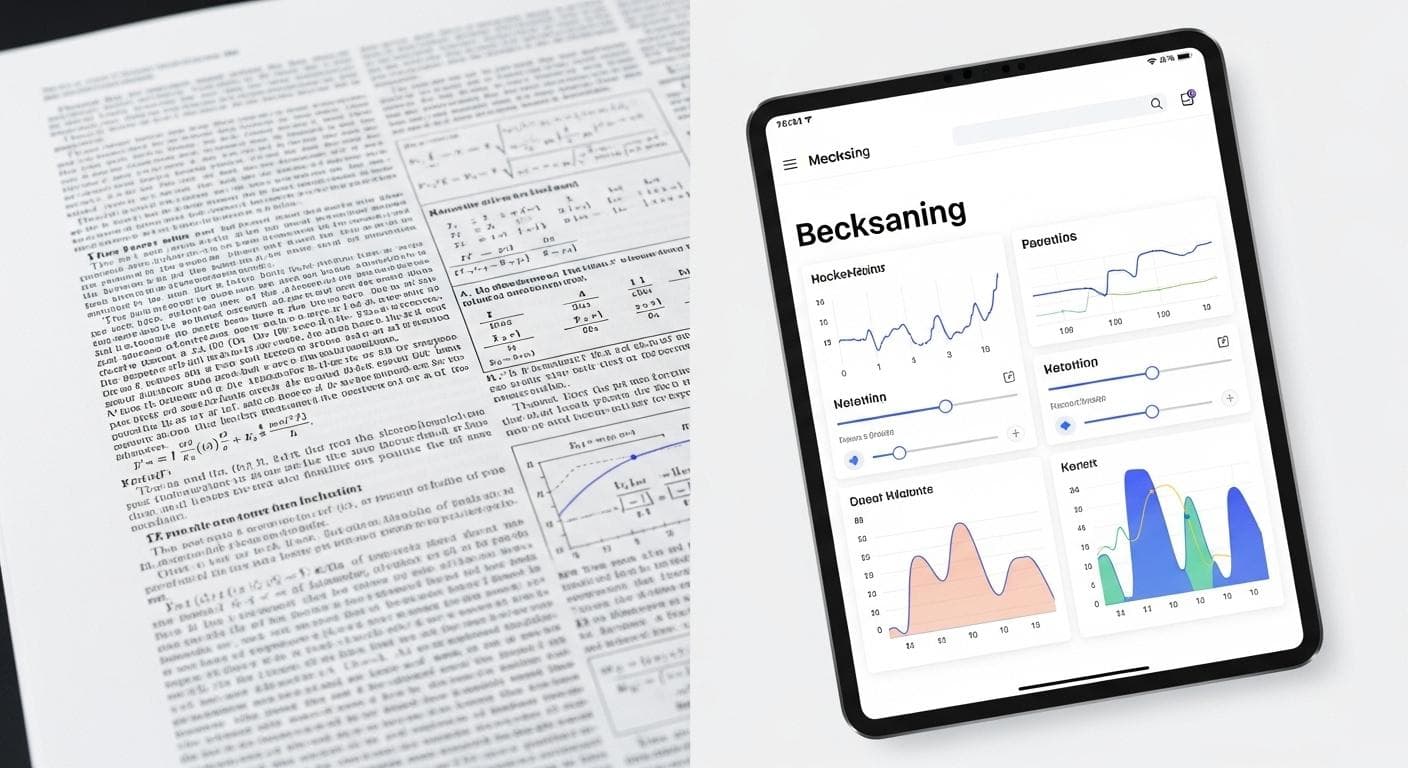
Technical documents, research papers, and user manuals are often information-rich but difficult to navigate. Gemini 3 excels at deconstructing these dense documents and reassembling them into user-friendly web experiences.
One stunning example involved a lengthy quantum research paper. A prompt like "Create an interactive visual interface for me to explore this research paper" transformed the complex PDF into a clean, explorable website. The AI identified key concepts, pulled out diagrams, and created an interface where users could click through different sections, explore results, and engage with the material in a non-linear, intuitive way. This is a game-changer for education, research, and any field that relies on complex documentation.
Play 3: The UI Prototyper (From a Napkin Sketch to a Live Mockup)
How many great ideas start as a quick sketch on a whiteboard or a napkin? Traditionally, turning that sketch into a clickable prototype requires a designer and a developer. Now, it just requires a photo.
Gemini 3's visual understanding allows it to interpret UI sketches and wireframes. By uploading an image of your hand-drawn app layout and prompting, "Build a working web UI from this sketch," the model can generate the corresponding HTML and CSS. It recognizes where buttons, text fields, and images should go, creating a live, interactive mockup in seconds. This radically accelerates the design and iteration process, allowing for rapid-fire prototyping and testing.

Play 4: The Game Creator (From a Single Image to a Playable Experience)
Perhaps the most creatively exciting application is one-shot game development. Gemini 3 can take a concept, an image, or a simple description and build a playable game from scratch.
Examples have ranged from the simple to the complex:
- Rhythm Games: A prompt like `"Make a 3D game where I slash at Gemini Sparks to a music beat using my webcam"` resulted in a functional rhythm game that tracked hand movements.
- Flight Simulators: A request for a `"3D flight simulation game in 3JS where I can fly a plane around a city"` generated a world complete with runways, buildings, and controllable physics.
- Educational Games: A developer wanting to create a chess tutorial for their child built an interactive board where a beginner can click on a piece and see all its legal moves, creating an intuitive learning tool.
This capability opens up game development to a whole new audience, turning creative ideas into playable realities without needing to write a single line of code.

Now that you've seen what's possible, let's move from inspiration to instruction and walk through how you can build your very first interactive app.
Step-by-Step: Your First "Bring to Life" Project in Google AI Studio
Ready to start building? Getting your first project up and running in Google AI Studio is incredibly straightforward. Follow these three steps to go from asset to application.
1. Choosing and Uploading Your Asset
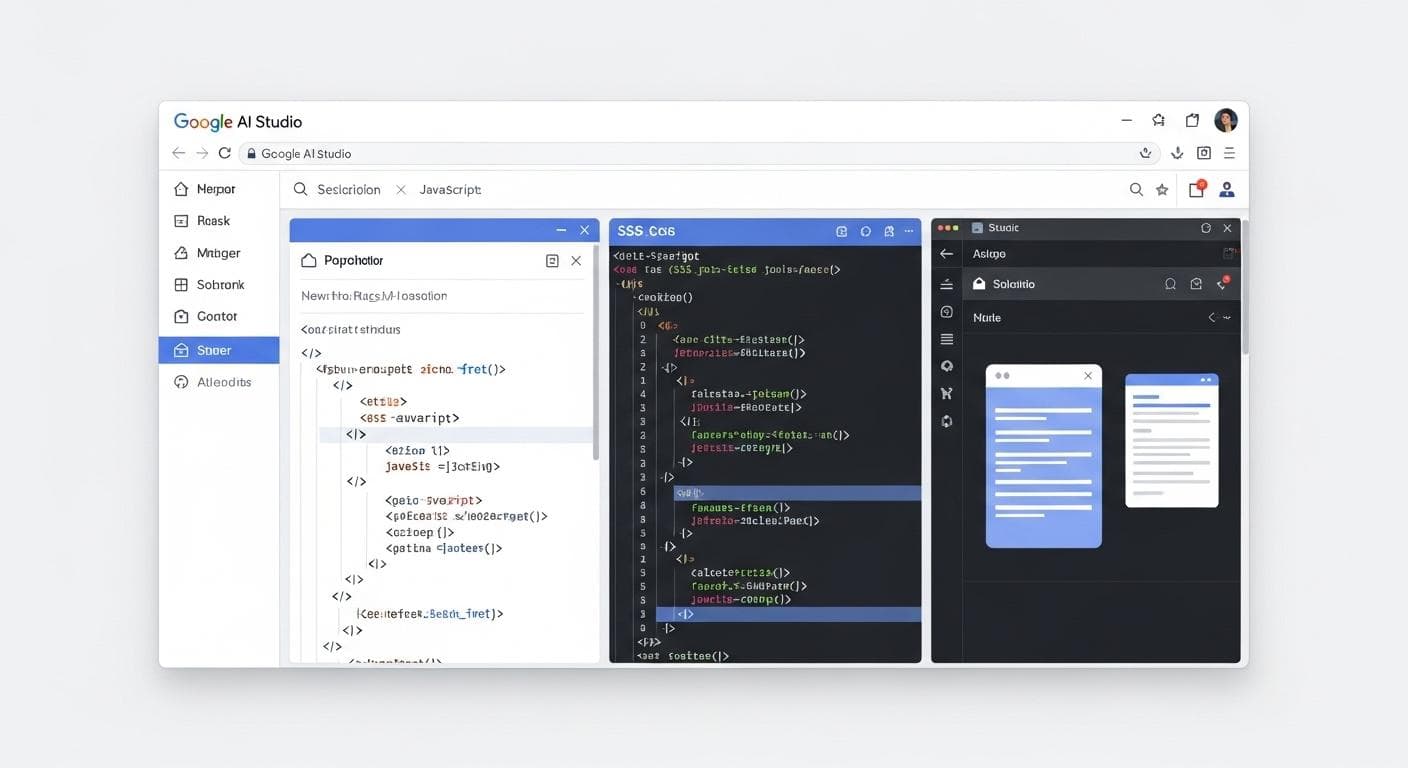
Start in the "Build" tab of AI Studio. Your first step is to provide the source material. This can be almost anything: an image file (.jpg, .png), a document (.pdf), or even just a text description of what you want to build. Look for the upload or attachment icon in the prompt interface and select the file you want to transform.
2. Crafting the Perfect Prompt: The "Before and After" Recipe
While Gemini 3 is powerful, a well-crafted prompt will yield the best results. A simple and effective recipe is the "Before + Action + After" formula:
- Before: Clearly reference your uploaded asset. (e.g., `"Using the attached floor plan..."`, `"For this logo image..."`)
- Action: State clearly what you want the AI to do. (e.g., `"...create an interactive version..."`, `"...build a playable game..."`)
- After: Describe the key features or functionality of the final application. (e.g., `"...that lets me place furniture in each room."`, `"...where the dots fall into place with physics and I can ask it questions."`)
This structure gives the model clear context and a precise goal, leading to more accurate and impressive results on the first try.

3. Iterating and Debugging: Using AI to Fix and Enhance Your App
Your first generation might not be perfect, and that's the beauty of the process. Vibe coding is an iterative conversation. If something is broken or missing, you don't need to dive into the code. Simply tell the AI what's wrong in plain English.
- `"The 'cast' button in my fishing game doesn't work. Fix this bug."`
- `"Add a feature to change the style of the 3D home to a 'warm cozy cabin'."`
- `"The animation is too fast. Slow down the transition duration by 50%."`
The AI will understand the feedback, generate a new plan, and modify the code to implement your changes. This conversational debugging is a paradigm shift, making the development process feel more like a creative collaboration than a technical chore.
Pushing the Limits: Advanced Techniques and Examples
Once you've mastered the basics, you can start combining Gemini 3's core capabilities with other powerful tools to create even more sophisticated applications.
Integrating Real-World Data with Google Maps and Search Grounding
Within AI Studio, you can empower your apps with real-time information from the web. By enabling "Google Maps grounding," for example, you can build an app that takes a location and a desired distance and plots real running routes. Similarly, "Search grounding" allows your app to pull in current information to answer questions or provide context, like creating a travel app that gives you live tips for any location on a 3D globe. To learn more about extending your apps, check out how to Supercharge AI Studio Apps with API Integrations.
From 2D Floor Plan to 3D Walkthrough with 3JS
A standout example of multimodal transformation is converting a 2D architectural floor plan into a 3D model. After uploading the image, an initial prompt can create an interactive 2D version for placing furniture. But a follow-up prompt takes it to the next level: "Now turn this visual floor plan into a 3D home visualization using 3JS." The result is a navigable, three-dimensional space that you can explore, bringing the architectural vision to life in a way a flat drawing never could.

Graduating Your Project: When to Move from AI Studio to Anti-gravity
AI Studio is the perfect environment for rapid prototyping and creative exploration. But what happens when your one-shot app is ready to become a full-fledged, production-grade product? That's where Anti-gravity, Google's new agentic development platform, comes in.
Think of Anti-gravity as a superpowered IDE where you can orchestrate teams of AI agents to handle complex tasks like adding authentication, setting up databases, and preparing for deployment. The workflow of the future will likely involve starting an idea in AI Studio and then seamlessly exporting it to Anti-gravity to be hardened, scaled, and managed by AI agents, representing the next step in professional, AI-assisted software development.

Knowing the Boundaries: When Does the 'One-Shot' Approach Falter?
While the creative potential is immense, it's important to have a realistic perspective on the current limitations. The "one-shot" approach is a powerful starting point, but it's not a replacement for a skilled developer-rather, it's a tool that changes their role.
- Complex Application Logic: For apps requiring intricate state management, complex user authentication flows, or deep backend database interactions, the initial generated code will likely be a scaffold. A developer will still need to step in to architect and implement the more robust logic.
- Code Quality and Optimization: The code Gemini 3 generates is functional, but it may not always be the most performant or adhere to specific organizational coding standards. Think of the AI as a brilliant but junior developer; its work often needs review, refactoring, and optimization by a senior engineer before heading to production.
- Niche Libraries and Frameworks: While Gemini 3 is familiar with popular frameworks like React and libraries like 3JS, it may struggle to correctly implement highly specialized or proprietary tools without explicit guidance.
The developer's role shifts from writing boilerplate code to acting as a creative director, an architect, and a quality assurance expert, guiding the AI's output and refining it into a production-ready final product.
Frequently Asked Questions (FAQ)
- What file types does Gemini 3 support for app creation?
AI Studio is optimized for common web-friendly formats. It officially supports a wide range of image types (JPG, PNG, WEBP) and documents like PDFs. Its capabilities are continuously expanding to handle more diverse inputs. - How does this compare to GPT-4o's capabilities?
Both models represent the cutting edge of multimodal AI. A useful distinction is in their optimized use cases. GPT-4o has demonstrated incredible prowess in real-time, conversational tasks, like acting as a live translator between two speakers. Gemini 3, especially within the AI Studio environment, is highly honed for the specific task of generating complex, functional, and often aesthetically pleasing web applications, such as a 3D flight simulator or an interactive data dashboard, from a single asset and prompt. - Can I deploy these apps for commercial use?
Yes. The code generated in AI Studio is yours to use. You can inspect it, modify it, and deploy it using services like Google Cloud Run directly from the interface. For more complex commercial projects, the intended path is to graduate your prototype to a professional development environment like Anti-gravity for robust scaling and management.
The Future is Interactive
We are at the beginning of a new era in software creation. The ability of models like Gemini 3 to understand and act upon multimodal inputs is dissolving the boundaries between idea and execution. The creative process is becoming a conversation, and development is becoming an act of collaborative inspiration between human and machine.
The tools are here, the canvas is blank, and the potential is limitless. The static assets sitting on your hard drive are no longer just files; they are seeds of interactivity, waiting for a single prompt to bring them to life.
Now it's your turn. What is the first thing you are going to bring to life with Gemini 3? Share your most creative ideas in the comments below!



Comments
We load comments on demand to keep the page fast.