
For decades, building an application followed a predictable path: idea, design, code, debug, repeat. It was a process of explicit instructions, requiring developers to translate a vision into rigid, logical syntax. But what if you could skip the syntax and just describe the experience? What if you could build not by writing code, but by explaining a vibe? With the launch of Gemini 3 in Google's AI Studio, this concept—aptly named "vibe coding"—is no longer a futuristic dream. It's a new paradigm for creation.
This guide will walk you through this transformative approach to development. We'll explore a gallery of incredible niche and educational tools built with a single prompt, break down the core techniques you can use to build your own, and chart a course for scaling your prototypes into production-ready products.
The Paradigm Shift: From Writing Code to Describing Experiences
Traditional coding requires you to be the architect, the engineer, and the construction worker, meticulously planning and building every component. Vibe coding, powered by Gemini 3, changes your role to that of a director. You describe the scene, the actors, and the desired emotional impact, and the AI handles the construction.
What is "Vibe Coding"?
Vibe coding is an intuitive, conversational approach to software development. Instead of writing hundreds of lines of HTML, CSS, and JavaScript, you provide a natural language prompt describing the application you want to build. This could be as simple as, "Create a tool to help me learn chess openings," or as complex as, "Build a 3D flight simulator where I can fly a biplane around a city at sunset."
Gemini 3 interprets your intent, aesthetics, and functional requirements, then generates the entire front-end and back-end code for a working, interactive web application in seconds.
Why Gemini 3 is a Game-Changer for Niche App Development
Previous models could generate code snippets, but Gemini 3 builds complete experiences. Its advanced reasoning, multimodal understanding (the ability to process text, images, videos, and documents), and strong aesthetic sense allow it to tackle projects that were previously impossible with a single prompt. This opens the door for hyper-niche tools—apps so specific that they wouldn't justify weeks of traditional development but can now be brought to life in minutes.
The Builder's Gallery: 4 Niche Tools You Can Build in Minutes
The best way to understand the power of vibe coding is to see it in action. Here are four examples of sophisticated applications generated in AI Studio, often from a single-shot prompt.
Example 1: The Interactive Chess Tutor
Learning chess can be daunting, with countless openings and strategies to memorize. A custom learning tool can make all the difference.
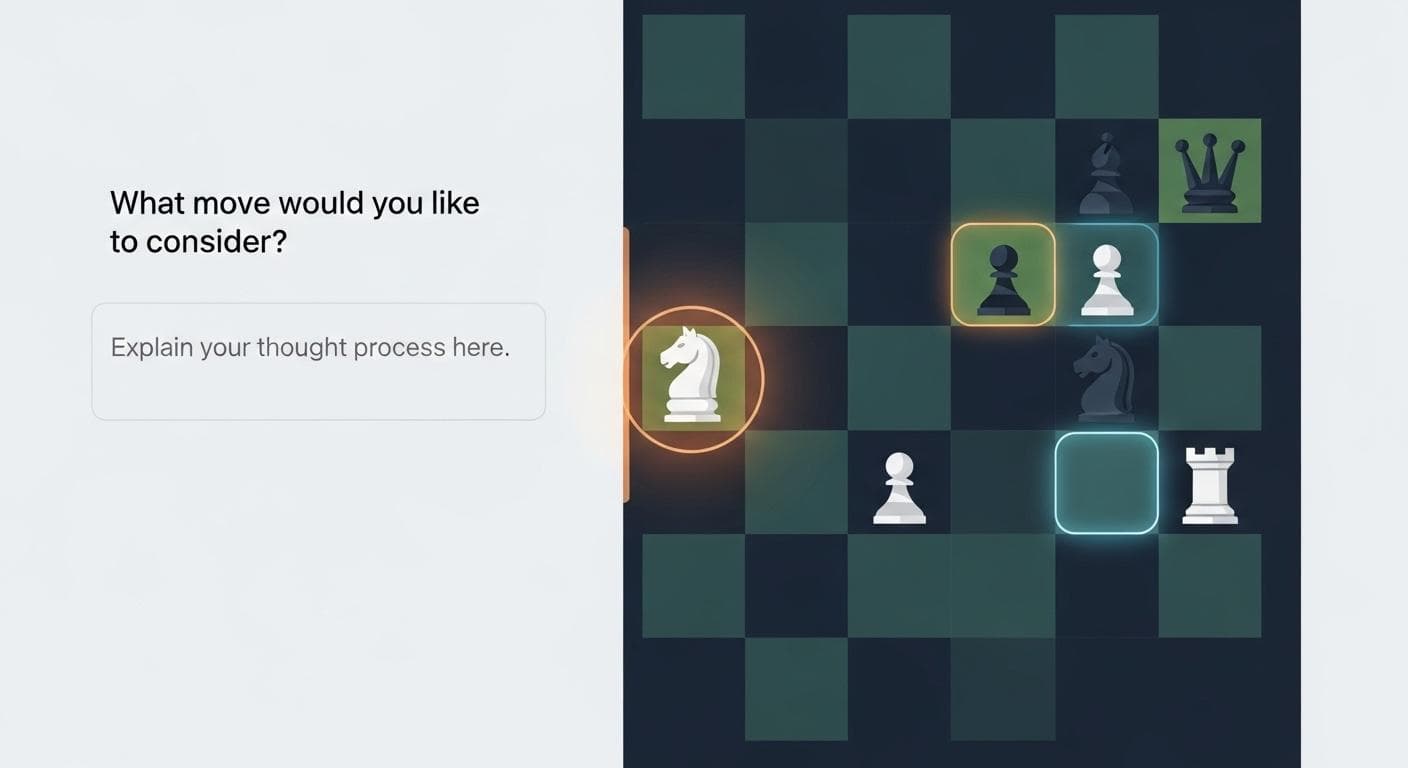
- The Goal: Create a simple, interactive tool to help a new player learn how the different chess pieces move.
- The Prompt: "Generate an app to learn about chess. It should let me pick up a piece and show me all the possible moves on the board."
- The Result: Gemini 3 generates a fully functional web app. It displays a chessboard and allows the user to click on any piece. When a piece is selected, the application highlights all of its legal moves, providing instant visual feedback. This replaces the need for a beginner to constantly look up rules, accelerating their learning curve.
Example 2: The Dance Choreography Visualizer
For dancers and choreographers, mapping out formations for a large group can be a logistical nightmare of paper diagrams and confusion.
- The Goal: Create an application that animates the transitions between different dance formations for a small group.
- The Prompt: "Create an app for 5 dancers. I want to define different formations by placing dots on a canvas, and then animate the transition between them. Let me control the speed of the transition."
- The Result: The model produces a web UI with a canvas where you can add and label dancers. You can create multiple formation layouts and then press a "play" button to watch the dancers smoothly animate from one position to the next. This simple tool could save performance groups hours of manual planning.
Example 3: The Multimodal Research Assistant
Dense, technical documents like scientific research papers can be difficult to parse. Gemini 3's multimodal capabilities can transform them into accessible learning tools.
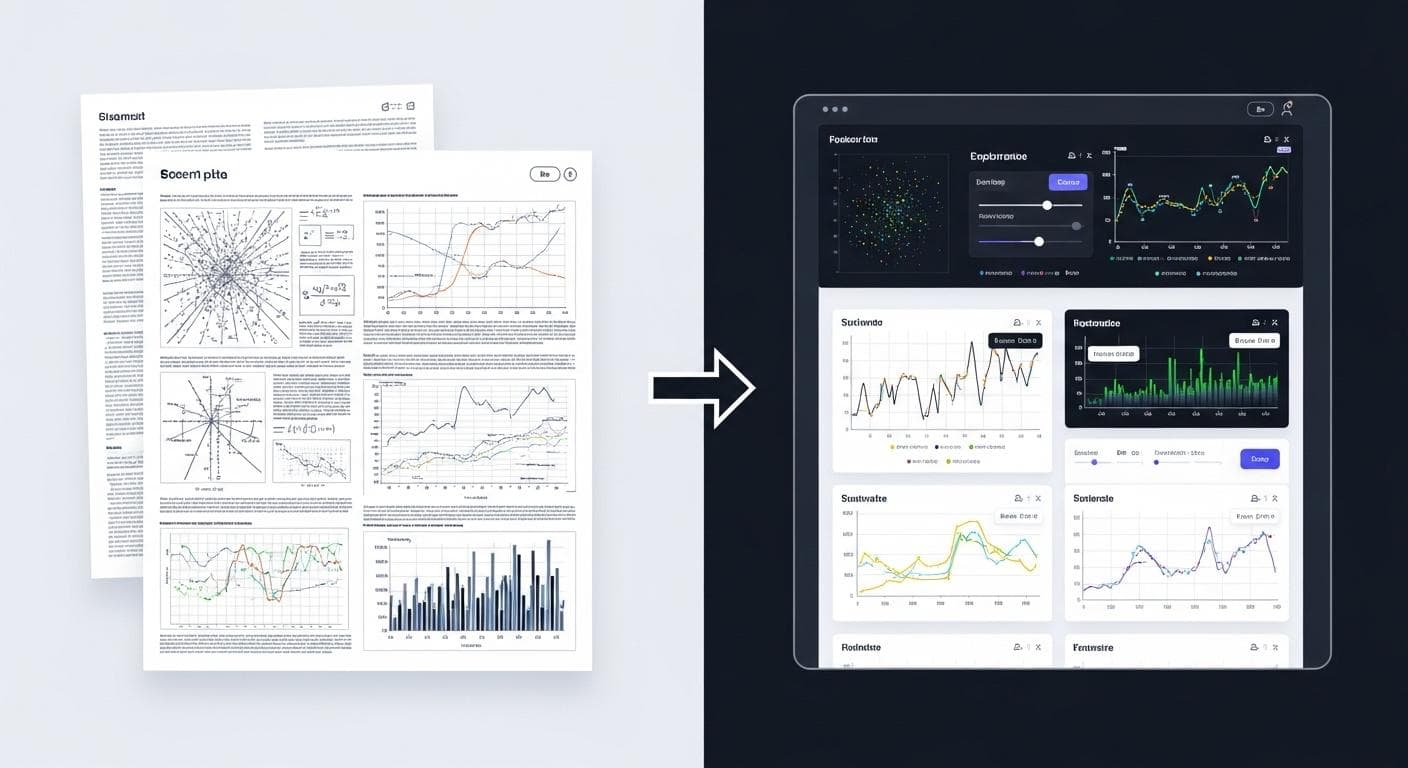
- The Goal: Turn a complex quantum physics PDF into an interactive visual interface to make it easier to understand.
- The Prompt: "Take this research paper [PDF uploaded] and create an interactive visual interface for me to explore it. Pull out the key charts and make them explorable."
- The Result: Instead of just summarizing the text, Gemini 3 analyzes the entire document, including the complex diagrams and charts within it. It then builds a clean web application that presents the information in a digestible format, recreating the paper's charts as interactive elements that the user can manipulate to better understand the data. This moves beyond text summary to create true, interactive knowledge exploration.
Example 4: The 3D Floor Plan Simulator
Visualizing a 2D floor plan in three dimensions is a common challenge for anyone moving, renovating, or just trying to furnish a room.
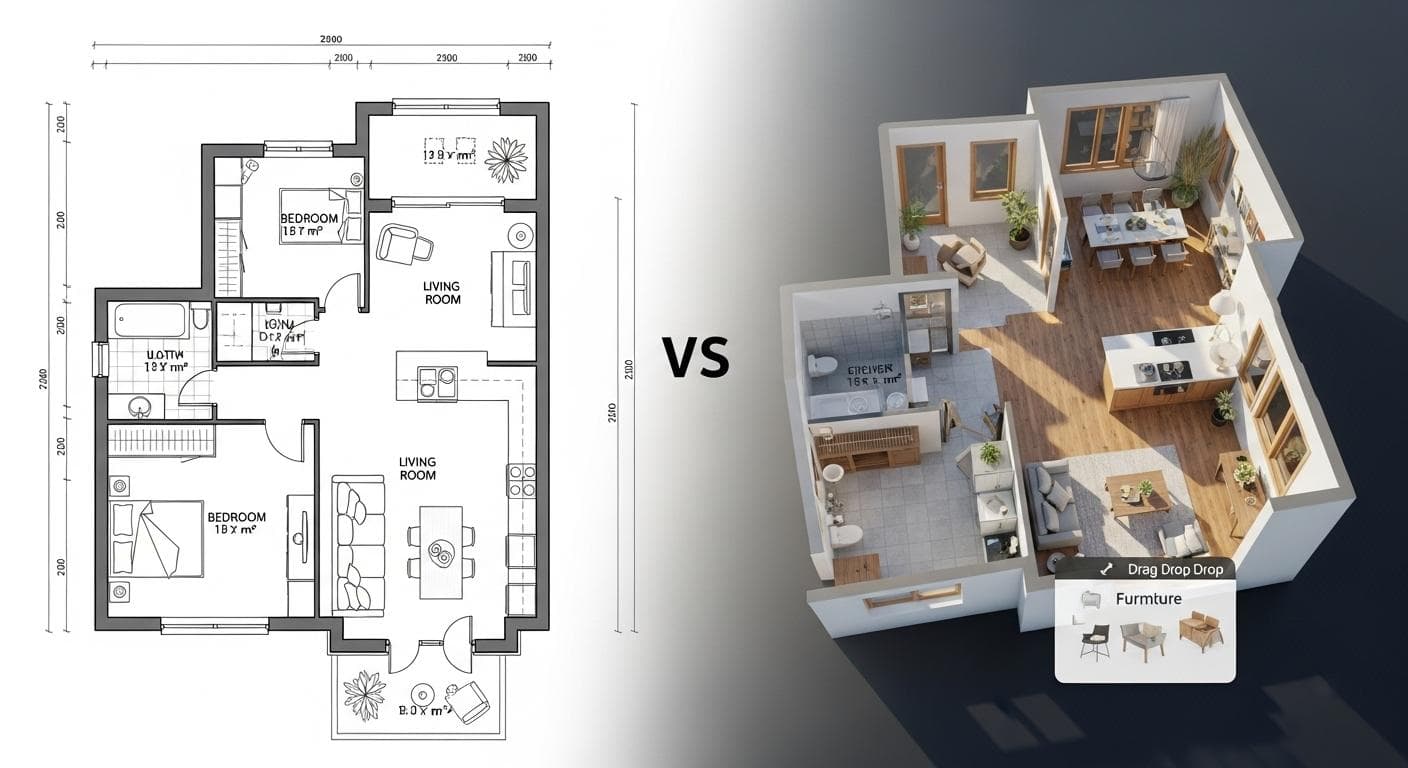
- The Goal: Scan a 2D floor plan image and generate an interactive 3D view where furniture can be placed.
- The Prompt: "Take this floor plan image [image uploaded]. Scan it to identify the rooms and generate an interactive 3D view where I can place furniture."
- The Result: Gemini 3 processes the image, identifies the walls and rooms, and generates a navigable 3D model of the space. It even suggests appropriate furniture for each room. The user can then drag and drop furniture into the 3D space, effectively turning a static image into a dynamic interior design tool. This could power an entire new category of home renovation and design businesses.
Core Techniques for Building Your Own Tools
Inspired by the gallery? Here are the fundamental techniques you'll use in AI Studio to bring your own ideas to life.
Crafting the Perfect Prompt
While you can iterate, the magic often starts with a single, well-crafted prompt. Don't be afraid to be descriptive and conversational.
- Be Specific About Functionality: Instead of "make a map app," say "make an app where I can type a location and a distance, and it shows me running routes of that length."
- Describe the Vibe: Use aesthetic keywords. Do you want a "clean, minimalist design," a "futuristic holographic interface," or a "warm, cozy cabin feel"? Gemini 3 has a remarkable sense of design and will incorporate these styles.
- State Your Constraints: If you're building a game, define the rules. "When you hit the space bar, cast the fishing line. You can catch a fish, a whale, or a tire."
To see this in action, compare a vague V1 prompt with an improved V2 prompt for our chess tutor:
V1 Prompt: "Make a chess app." V2 Prompt: "Generate an app to learn about chess. It should let me pick up a piece and show me all the possible moves on the board with green highlights. The board should have a classic wood texture."
The V2 prompt's specificity on both function and aesthetics yields a dramatically better and more useful first result.
Leveraging Multimodality: Using Images, Videos, and Docs as Input
Your prompt isn't limited to text. Gemini 3's power is amplified when you provide other media as context. You can upload:
- Images: Logos, floor plans, screenshots of UIs you like.
- Documents: PDFs of research papers, product manuals, or any text-heavy source.
- Videos: Soon, you'll be able to analyze motion, like a pickleball swing or a dance move, and build coaching apps around it.
The prompt "Bring this to life" is surprisingly effective when paired with a rich piece of media.
Integrating External Data with API Grounding
An application becomes exponentially more powerful when it can connect to real-world, live data. AI Studio simplifies this with built-in "grounding" features.
With a single click, you can give your application access to tools like Google Search or the Google Maps API. This allows you to build things like a travel app that pulls real-time location data and reviews, or a research tool that can verify facts on the web.

Knowing the Limits: When to Vibe and When to Code
Vibe coding is a revolutionary tool, but it's important to understand its ideal use cases. It excels at rapidly creating prototypes, front-end heavy applications, and niche tools where the logic can be clearly described in natural language. It's the perfect way to get from zero to a functional version one in minutes.
However, for applications requiring highly complex, proprietary business logic, high-performance back-end systems, or deep integration with legacy enterprise codebases, traditional development remains essential. The best approach is often a hybrid one: use vibe coding to build the user-facing components and then integrate them with a custom-coded back end. Think of it as an incredibly powerful collaborator, not a complete replacement for developer expertise.
Beyond the Prototype: Iterating and Scaling Your Application
AI Studio is the perfect launchpad, but it's not the end of the journey. Once you have a working prototype, you have a clear path to a polished, professional product.
Using AI to Debug and Refine Your Code
Your first generation might not be perfect. Perhaps a button doesn't work or a layout looks strange. You don't have to dive into the code yourself. The same conversational interface that built the app can also fix it. Simply describe the bug—"The cast button in my fishing game doesn't work when I press it"—and the AI agent will analyze the code, identify the problem, and write the fix for you. This iterative loop of prompting and refining is at the heart of the vibe coding workflow.
From AI Studio to a Full IDE like Antigravity
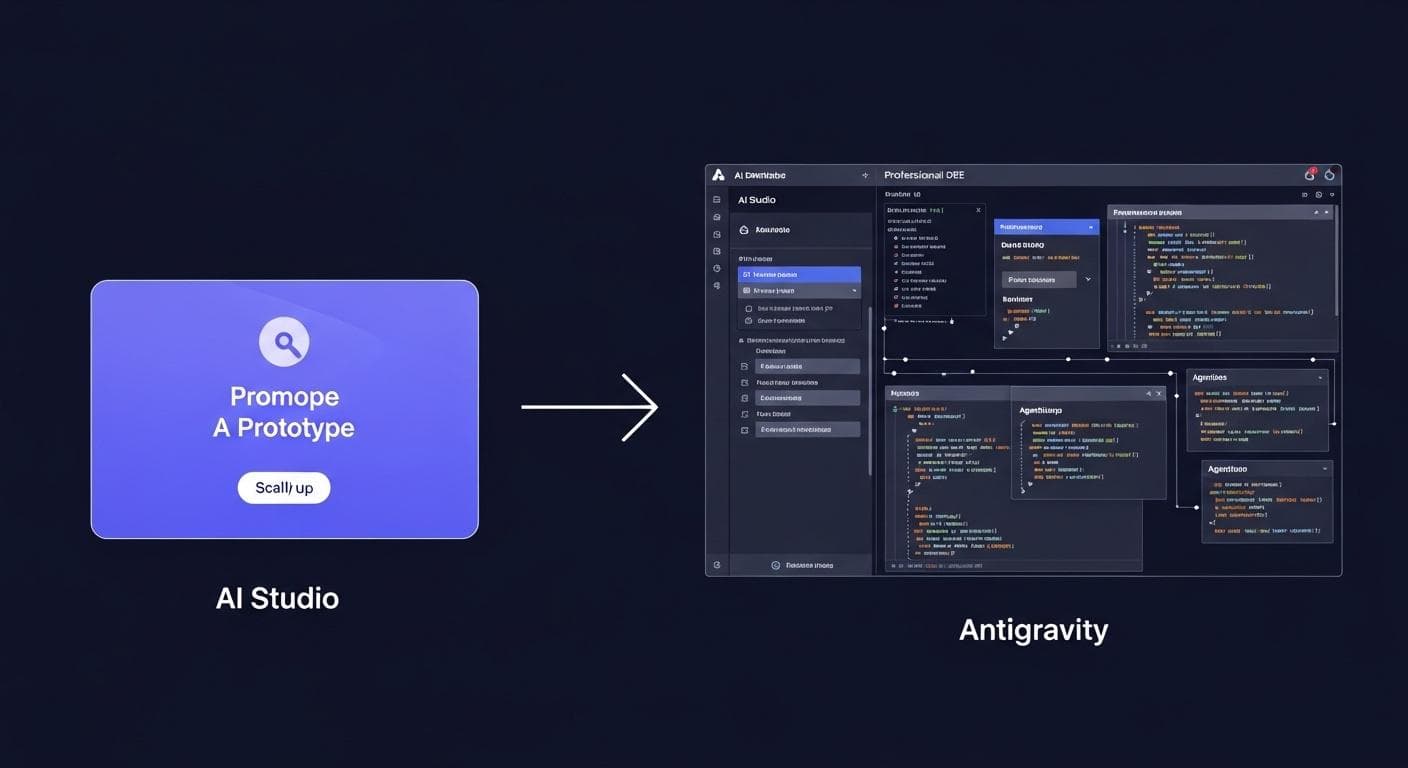
For complex, multi-feature applications destined for production, you'll eventually want the power of a professional development environment. This is where a tool like Antigravity, Google's next-generation agentic development platform, comes in.
You can take the code generated by AI Studio and import it into this full-featured IDE. From there, you can treat AI agents as an expert team of developers. Here's a hypothetical workflow for scaling our chess tutor:
- Prototype in AI Studio: Generate the core interactive chessboard with the V2 prompt.
- Import to Antigravity: Move the generated code into the professional IDE.
- Deploy an Agentic Team: Assign parallel tasks to multiple AI agents. You could tell Agent 1: "Add a user login system using Firebase Auth." Agent 2: "Create a database to track user progress through chess puzzles." And Agent 3: "Write comprehensive unit tests for the piece movement validation logic."
This represents the seamless path from a one-shot idea to a scalable, enterprise-grade application, with AI augmenting your capabilities at every step.
Conclusion: The Future is Niche
The advent of powerful generative models like Gemini 3 isn't just about making existing development tasks faster; it's about making entirely new classes of applications possible. The ability to translate a simple idea into a functional, interactive tool in minutes democratizes creation. It empowers educators, hobbyists, small business owners, and creative developers to build the hyper-specific, niche tools they've always dreamed of but never had the resources to create.
The era of monolithic, one-size-fits-all software is giving way to a future of personalized, purpose-built applications. The only limit is your imagination. It's time to start vibe coding.
What's the first niche tool you're going to build with Gemini 3? Share your most creative ideas in the comments below!



Comments
We load comments on demand to keep the page fast.